The research shortlist
Page updated
macshotTop pick
Native, feature-rich screenshot and recording for macOS
Metadata checked Aug 18, 2026
Best functional substitute: native AppKit UX and the broadest CleanShot-like feature coverage, with active August 2026 releases; its community history is smaller than Flameshot's.
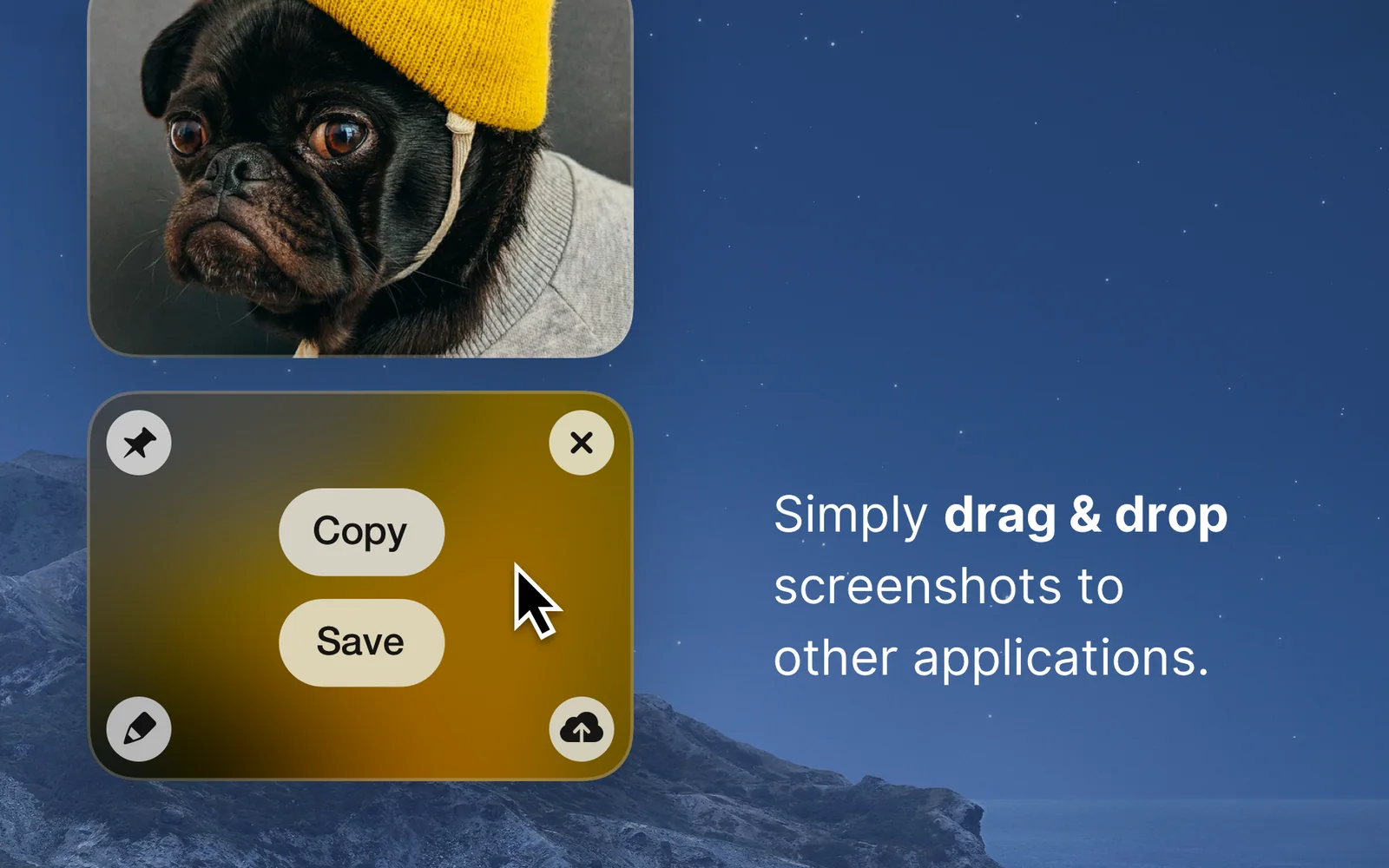
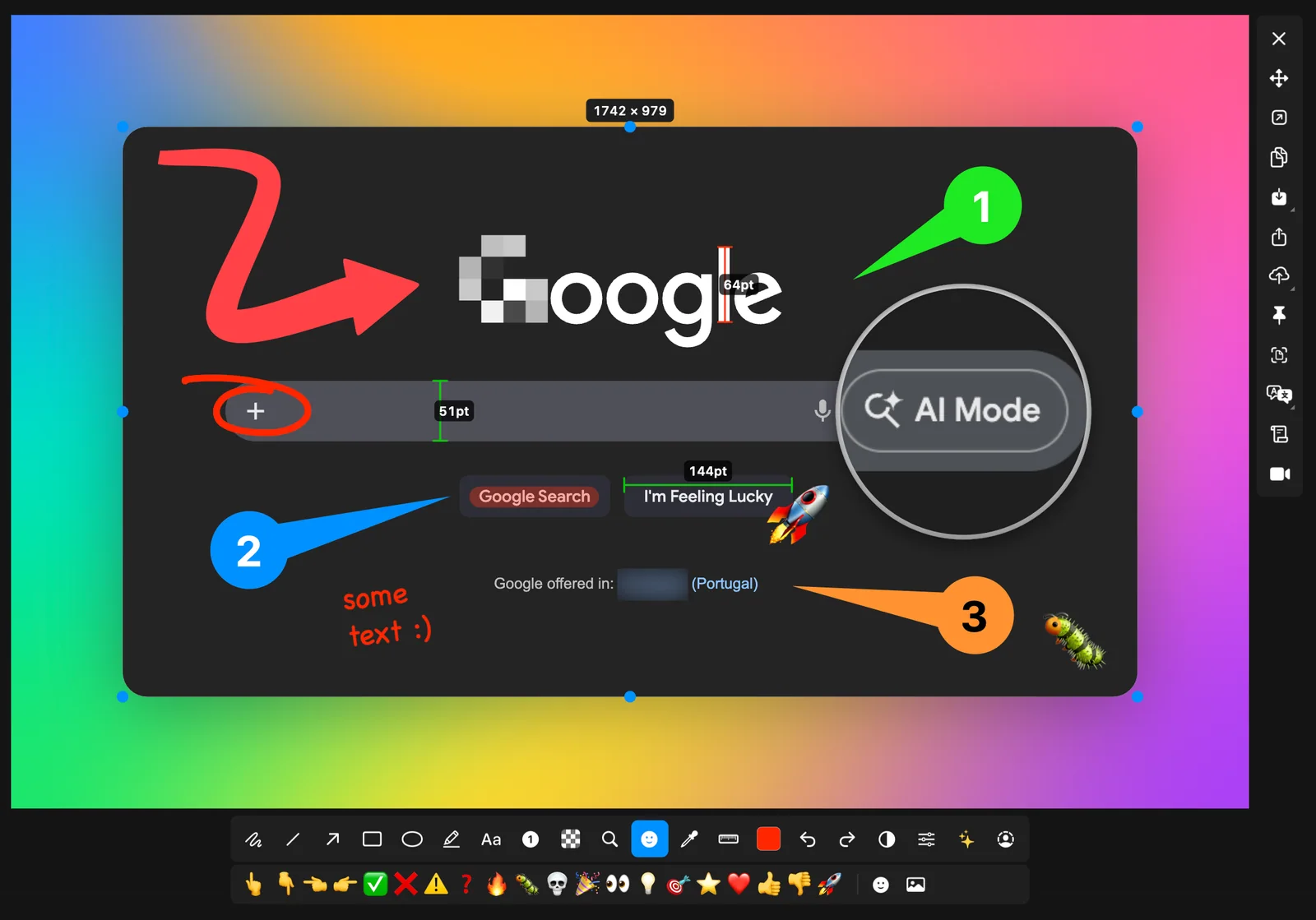
The closest functional match: native capture and annotation plus scrolling screenshots, MP4/GIF recording, video trimming, OCR, PII redaction, beautification, and optional uploads.
- 01Area, window, full-screen, delayed, multi-monitor, and scrolling capture
- 02Editable annotations including arrows, shapes, text, blur, pixelation, stamps, measurement, and spotlighting
- 03MP4/GIF recording with system audio, microphone, cursor highlights, and a trim editor
- 04On-device OCR/translation, PII redaction, beautify backgrounds, and S3-compatible uploads
- Requires macOS 12.3 or later and Screen Recording permission.
- The newest GitHub release is v4.2.2-beta.2; v4.2.1 is the latest stable release checked.
- Smaller and newer project than Flameshot, so long-term ecosystem depth is less established.
Evidence sources (10)
- Official macshot GitHub repository and READMESource available ·
- GPLv3 license fileLicense ·
- Active releases with macOS DMG downloadsRelease ·
- Official macshot homepage and macOS download instructionsWebsite ↗ ·
- Project logo in the official repositoryScreenshots ·
- Official macshot product previewScreenshots ·
- GitHub REST repository APISource available ·
- GitHub license metadataLicense ·
- Latest GitHub releaseRelease ·
- Latest macOS release assetFree at review time ·

Flameshot
Mature cross-platform screenshot capture and annotation
Metadata checked Aug 18, 2026
Best-established option: a large contributor community, sustained project activity, and a current macOS DMG release make it the safest maintenance choice, although it covers fewer CleanShot features.
Full review — capabilities, 3 caveats, evidence
A fast, local-first capture tool with configurable shortcuts, region/window/full-screen capture, a strong annotation toolbar, clipboard and save workflows, and a scriptable CLI.
- 01Region, window, full-screen, and multi-monitor capture
- 02In-capture arrows, lines, shapes, marker, text, pixelation, color picker, undo, and redo
- 03Clipboard, save, print, and optional Imgur upload workflows
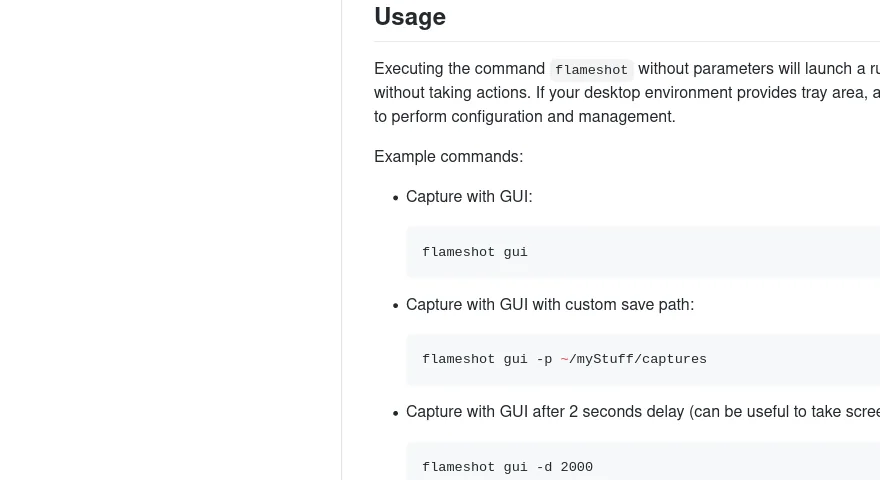
- 04CLI automation and configurable macOS shortcut support
- Does not provide CleanShot X's integrated video/GIF recording, scrolling capture, OCR workflow, or cloud overlay.
- The project documents an extra Gatekeeper/Open Anyway step for some macOS installations.
- Qt's cross-platform interface is less Mac-native than macshot.
Evidence sources (9)
- Official Flameshot GitHub repositorySource available ·
- GPL license fileLicense ·
- v14.0.0 release with macOS DMG assetsRelease ·
- Official free macOS downloads via DMG or HomebrewFree at review time ·
- Project icon in the official repositoryScreenshots ·
- Official Flameshot product previewScreenshots ·
- GitHub REST repository APISource available ·
- GitHub license metadataLicense ·
- Latest macOS release assetFree at review time ·
ksnip
Qt screenshot capture and annotation with a macOS DMG
Metadata checked Aug 18, 2026
Best mature annotation-first fallback: broad capture and markup support, a GPL repository with substantial history, current continuous builds, and a direct macOS DMG; it is less Mac-native and less complete than the top two.
Full review — capabilities, 3 caveats, evidence
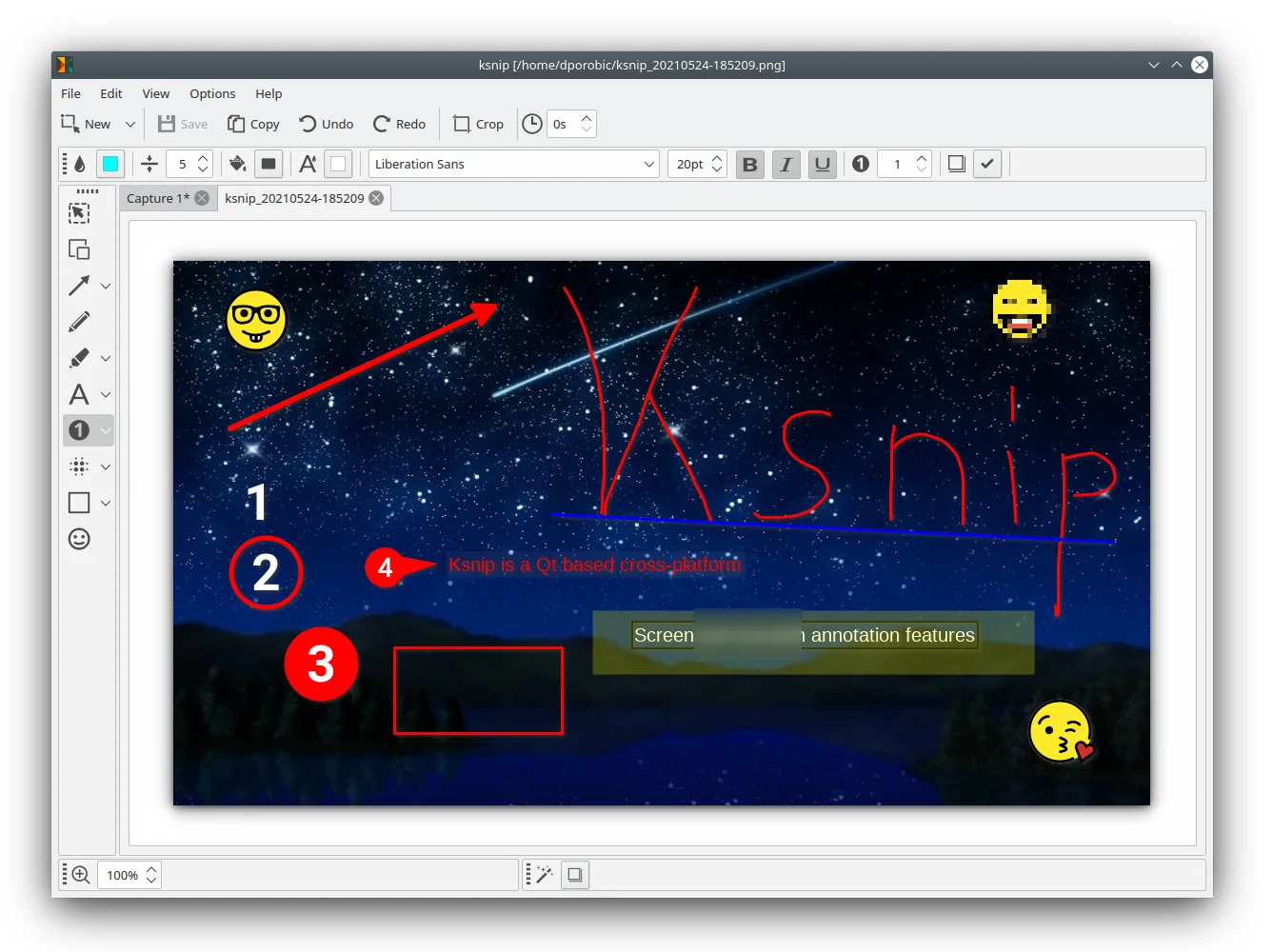
A mature copyleft Qt app focused on region, window, and full-screen capture with annotation, blur/pixelation, effects, pinning, CLI controls, OCR plugins, and upload actions.
- 01Region, last-region, current-screen, full-screen, active-window, and window-under-cursor capture
- 02Pen, marker, shapes, text, stickers, blur, pixelation, effects, watermarks, and crop tools
- 03Tabs, pinning, drag-and-drop, CLI controls, and custom upload or post-processing scripts
- 04macOS DMG and Homebrew Cask alongside Linux and Windows packages
- The project is seeking co-maintainers and identifies one developer as carrying the main maintenance load.
- Documented macOS issues include forced cursor capture, a non-transparent snipping background, and focus behavior.
- It lacks integrated screen recording, GIF editing, scrolling capture, and a CleanShot-style cloud overlay.
Evidence sources (9)
- Official ksnip GitHub repository and READMESource available ·
- GPL license fileLicense ·
- Official releases and current continuous-build artifactsRelease ·
- Tagged release with downloadable binariesFree at review time ·
- Official ksnip homepage linked by the repositoryWebsite ↗ ·
- Product screenshot linked from the official READMEScreenshots ·
- GitHub REST repository APISource available ·
- GitHub license metadataLicense ·
- Latest macOS release assetFree at review time ·
Specifications, side by side
| Attribute | 1 · macshot | 2 · Flameshot | 3 · ksnip |
|---|---|---|---|
| License | GPL-3.0-only | GPL-3.0-only | GPL-3.0-only |
| Platforms | macOS | macOS, Windows, Linux | macOS, Windows, Linux |
| Status | Checked | Checked | Checked |
| Version | v4.2.1 | v14.0.0 | v1.10.1 |
| Stars | 3.0k | 30.6k | 3.3k |
| Last push | |||
| Caveats | 3 | 3 | 3 |
About CleanShot X
CleanShot X — Capture Mac screenshots and screen recordings with customizable tools. Perfect for basic and advanced needs.
Setapp listing: Take better screenshots and GIFs