The research shortlist
Page updated
darktableTop pick
Open-source RAW workflow with a catalog and optional AI tools
Metadata checked Aug 18, 2026
Rank 1 for the strongest combination of Luminar-like photography workflow, current maintenance, optional AI capabilities, and first-party macOS DMGs.
The closest overall match for a photography workflow: it combines a searchable image library, non-destructive RAW processing, local adjustments, and optional AI masks, denoise, and upscaling.
- 01Non-destructive RAW development and export
- 02Database-backed lighttable for organizing photo collections
- 03Masks, retouching, color, tone, and exposure modules
- 04Optional AI masks, denoise, and upscaling
- The module-based interface is considerably more technical than Luminar Neo.
- AI features are optional and off by default, and require model downloads; they do not reproduce Luminar's full sky-replacement or generative toolset.
- Current project documentation lists macOS 14 or later for Apple Silicon and macOS 15 or later for Intel.
Evidence sources (10)
- darktable official GitHub repositorySource available ·
- darktable LICENSELicense ·
- darktable 5.6.0 releaseRelease ·
- darktable official installation page with macOS DMGsDocumented macOS path ·
- darktable official project overviewWebsite ↗ ·
- GitHub REST repository APISource available ·
- GitHub license metadataLicense ·
- Latest macOS release assetFree at review time ·
- Project homepageWebsite ↗ ·
- Official darktable source statement that darktable is free softwareFree at review time ·
RawTherapee
High-control RAW development without a subscription
Metadata checked Aug 18, 2026
Rank 2 for excellent RAW output, active 2026 development, a long-running GPL community, and an official macOS build; it is less automated and less catalog-oriented than Luminar Neo.
Full review — capabilities, 3 caveats, evidence
A technically deep RAW processor for photographers who prioritize demosaicing, exposure, color, sharpening, and noise control over cataloging or one-click AI effects.
- 01Detailed RAW demosaicing, exposure, color, and tone controls
- 02Batch processing with sidecar-based edits
- 03Noise reduction, sharpening, HDR DNG, and non-RAW support
- 04Current universal macOS package for Apple Silicon and Intel
- It does not provide an integrated asset-management catalog comparable to Luminar's library.
- Its many expert controls make quick, preset-driven enhancement less immediate.
- The 5.13 macOS page requires macOS 26 on Apple Silicon or macOS 12 or later on Intel.
Evidence sources (9)
- RawTherapee official GitHub repositorySource available ·
- RawTherapee LICENSELicense ·
- RawTherapee 5.13 releaseRelease ·
- RawTherapee official 5.13 download and macOS instructionsDocumented macOS path ·
- RawTherapee official homepage with free-software and macOS download linksWebsite ↗ ·
- GitHub REST repository APISource available ·
- GitHub license metadataLicense ·
- Latest macOS release assetFree at review time ·
- Project homepageWebsite ↗ ·
GIMP
Full-featured free image editing for macOS
Metadata checked Aug 18, 2026
Rank 3 for exceptional community trust, broad manual editing capability, active maintenance, and strong macOS packaging, with a weaker match for Luminar's RAW catalog and AI-first workflow.
Full review — capabilities, 3 caveats, evidence
A mature general-purpose editor for retouching, layers, masks, compositing, and creative finishing. It covers Luminar's pixel-editing side well, but is not a catalog-first RAW or bundled-AI workflow.
- 01Layered raster editing, retouching, masking, and compositing
- 02Color management and broad format support
- 03Scriptable and extensible through plugins
- 04Separate Intel and Apple Silicon macOS DMGs
- RAW development commonly requires a separate converter or plugin workflow.
- It has no bundled Luminar-style AI editing suite, photo catalog, or preset-driven workflow.
- The GitHub repository is an official read-only GNOME mirror; canonical development is linked from the project documentation.
Evidence sources (12)
- GNOME GIMP official GitHub mirrorSource available ·
- GIMP LICENSELicense ·
- GIMP 3.2.4 releaseRelease ·
- GIMP official downloads with Intel and Apple Silicon macOS packagesDocumented macOS path ·
- GIMP official homepage describing the free open-source editorWebsite ↗ ·
- GitHub REST repository APISource available ·
- Project homepageWebsite ↗ ·
- GIMP GitHub commit historySource available ·
- GIMP LICENSELicense ·
- GNU General Public License v3 text used by GIMPLicense ·
- GIMP FAQ license statementLicense ·
- GIMP 3.2.4 Apple Silicon DMGFree at review time ·
Specifications, side by side
| Attribute | 1 · darktable | 2 · RawTherapee | 3 · GIMP |
|---|---|---|---|
| License | GPL-3.0-only | GPL-3.0-only | GPL-3.0-or-later |
| Platforms | macOS, Windows, Linux | macOS, Windows, Linux | macOS, Windows, Linux |
| Status | Checked | Checked | Checked |
| Version | vrelease-5.6.0 | v5.13 | v3.2.4 |
| Stars | 13.0k | 4.1k | 6.4k |
| Last push | |||
| Caveats | 3 | 3 | 3 |
About Luminar Neo
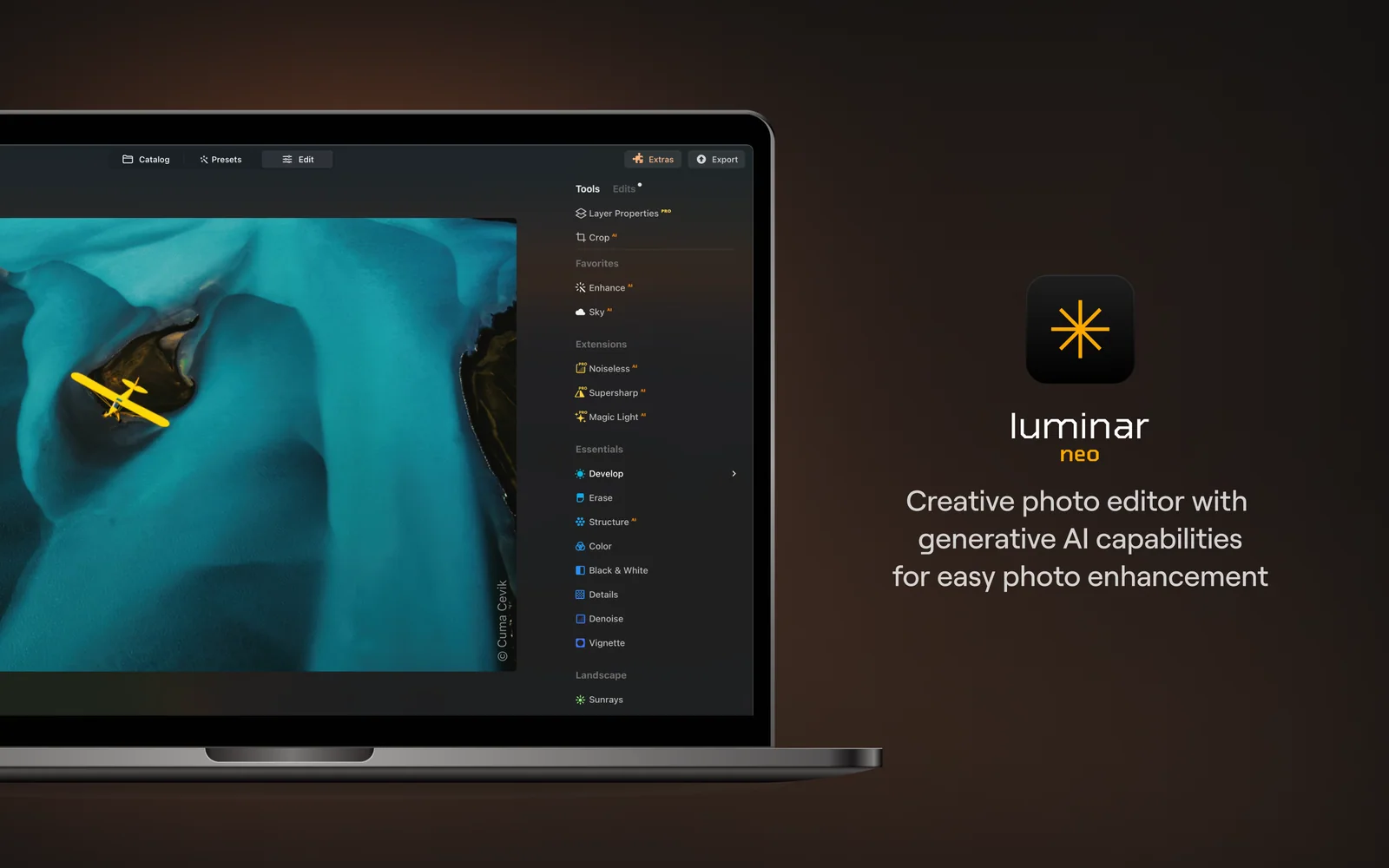
Luminar Neo — AI photo editor for Mac. Enhance, retouch, and create high-quality images fast.
Setapp listing: Improve your photos like a pro