
The research shortlist
Page updated
mitmproxyTop pick
Free, scriptable HTTPS interception with CLI and web UI
Metadata checked Aug 18, 2026
The closest protocol-level substitute: exceptionally mature, actively released, MIT-licensed, and available on macOS with both terminal and browser-based interfaces.
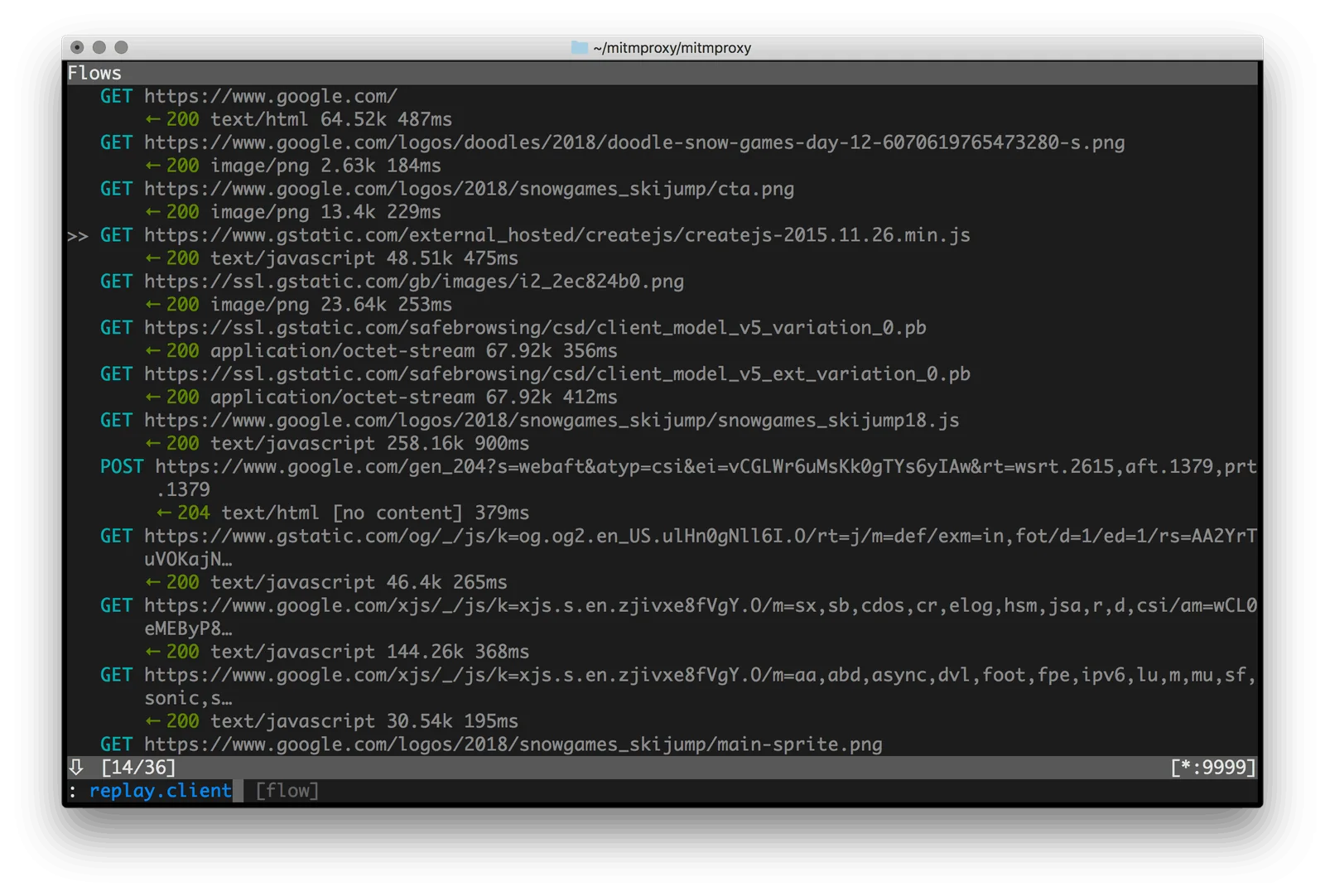
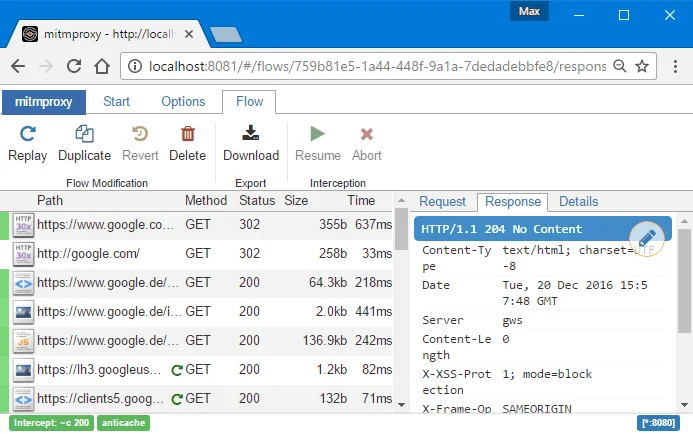
A mature TLS-capable intercepting proxy for HTTP/1, HTTP/2, HTTP/3, WebSockets, and other TLS traffic. Its console, mitmweb interface, and Python add-on API support inspection, editing, replay, and automation.
- 01Intercept and decrypt HTTP(S), HTTP/2, HTTP/3, and WebSockets
- 02Inspect, edit, replay, and filter flows in mitmproxy or mitmweb
- 03Automate traffic changes with Python add-ons
- 04Install on macOS through Homebrew or official standalone binaries
- The main interfaces are terminal and web UI rather than a native Mac application.
- HTTPS interception requires installing and trusting a local CA for authorized test traffic.
Evidence sources (11)
- mitmproxy official GitHub repositorySource available ·
- mitmproxy MIT licenseLicense ·
- mitmproxy 12.2.3 releaseRelease ·
- Official macOS installation instructionsDocumented macOS path ·
- mitmproxy official downloadsFree at review time ·
- mitmproxy official homepageWebsite ↗ ·
- mitmproxy interface screenshotScreenshots ·
- mitmweb interface screenshotScreenshots ·
- GitHub REST repository APISource available ·
- GitHub license metadataLicense ·
- Project homepageWebsite ↗ ·
HTTP Toolkit
Open-source GUI for intercepting and rewriting HTTP(S)
Metadata checked Aug 18, 2026
The best GUI-oriented fit after mitmproxy: a current macOS desktop release, strong traffic-inspection workflow, and a genuinely open multi-repository codebase with a free core tier.
Full review — capabilities, 2 caveats, evidence
A cross-platform desktop debugger that targets selected clients, captures and searches HTTP(S) and WebSocket traffic, supports manual breakpoints and rewrites, and includes an HTTP client. Its free Hobbyist tier covers the core capture and inspection workflow.
- 01Intercept traffic from browsers, apps, devices, backend processes, and terminals
- 02Inspect and search request and response headers and bodies
- 03Manually rewrite live traffic with breakpoints
- 04Send custom HTTP requests from the built-in client
- 05Download current macOS DMG builds from official releases
- Automated rules, import/export, and some advanced configuration require the paid Pro tier.
- The desktop application is Electron-based and its UI, server, and packaging are maintained in separate repositories.
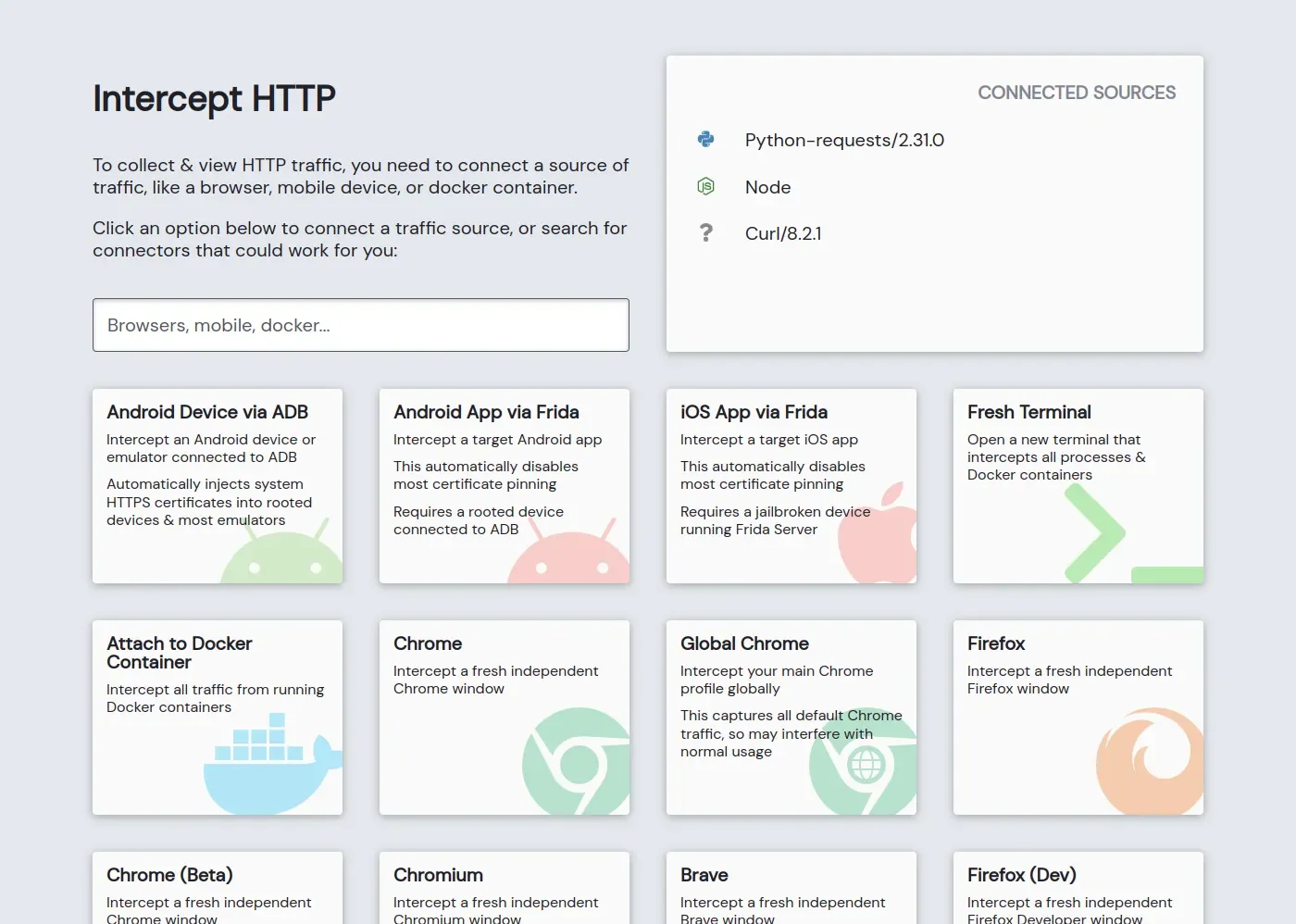
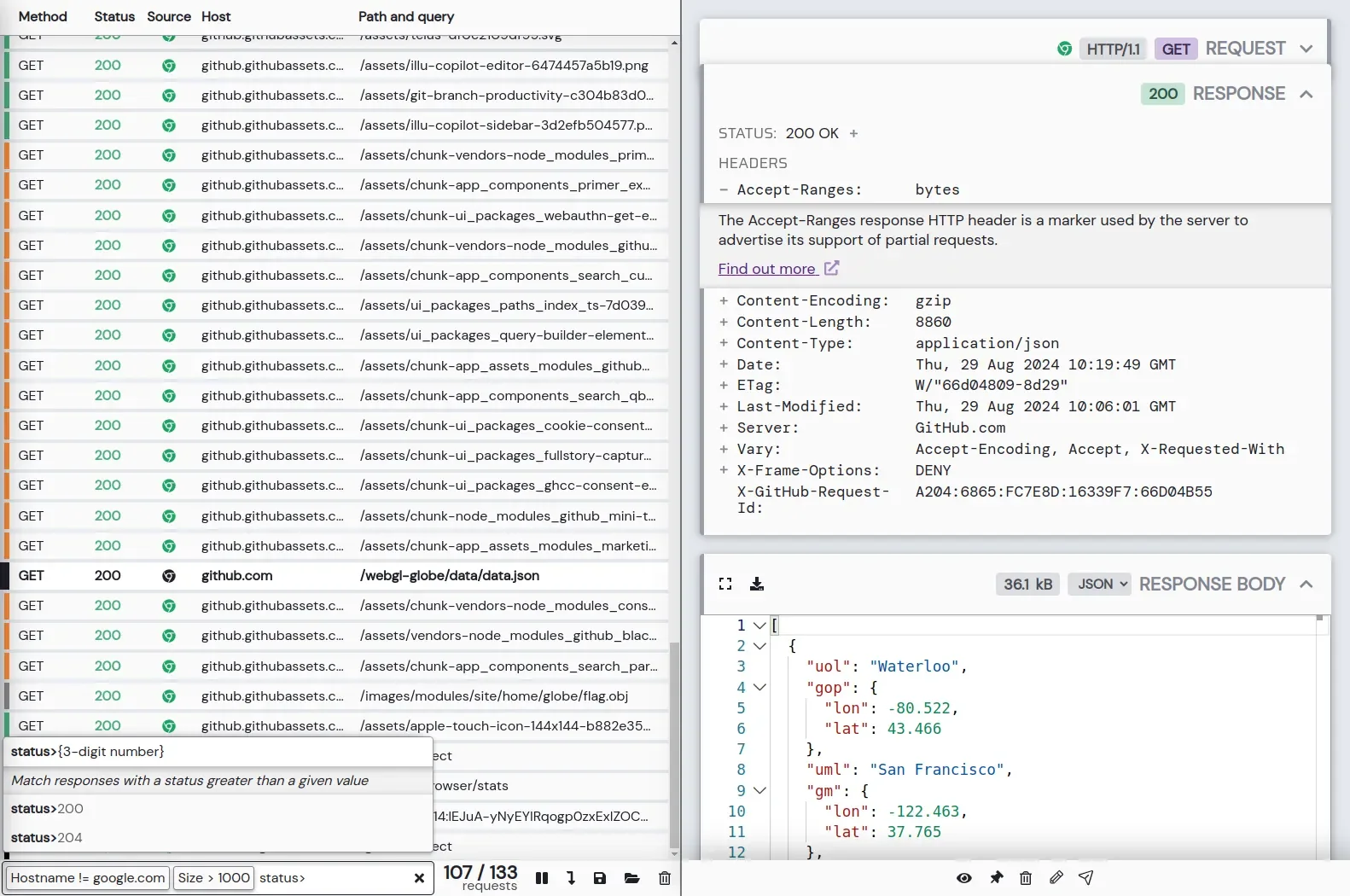
Evidence sources (14)
- HTTP Toolkit official project repositorySource available ·
- HTTP Toolkit desktop repositorySource available ·
- HTTP Toolkit desktop AGPL-3.0 licenseLicense ·
- HTTP Toolkit desktop releases; latest v1.27.1 includes macOS DMGsRelease ·
- HTTP Toolkit official homepageWebsite ↗ ·
- HTTP Toolkit free Hobbyist tier and Pro comparisonFree at review time ·
- HTTP Toolkit interception screenshotScreenshots ·
- HTTP Toolkit traffic explorer screenshotScreenshots ·
- GitHub REST repository APISource available ·
- HTTP Toolkit commit historySource available ·
- HTTP Toolkit v1.27.1 macOS x64 DMGFree at review time ·
- Official HTTP Toolkit GitHub organization iconScreenshots ·
- HTTP Toolkit organization avatarScreenshots ·
- HTTP Toolkit breakpoint product screenshotScreenshots ·
ZAP by Checkmarx
Free, open-source web proxy and security testing suite
Metadata checked Aug 18, 2026
The strongest broad-suite option: Apache-licensed, free, actively maintained, and distributed with official macOS installers when security-testing depth matters more than a lightweight native debugger.
Full review — capabilities, 3 caveats, evidence
A long-running desktop web security suite whose proxy captures and edits HTTP(S) traffic, supports breakpoints, sessions, scripting, and add-ons, and adds passive and active scanning. It is heavier than Proxyman but offers broad testing depth.
- 01Intercept and manipulate HTTP(S) with the built-in MITM proxy
- 02Use breakpoints, request and response history, sessions, filters, and scripts
- 03Extend workflows with passive and active scanning and add-ons
- 04Use official macOS installers for Intel and Apple Silicon
- It is a Java-based security suite and feels heavier and more complex than Proxyman.
- Current macOS releases are unsigned, so Gatekeeper may require manually allowing the trusted download.
- Its primary focus is web application security testing rather than a streamlined Mac traffic viewer.
Evidence sources (12)
- OWASP ZAP official GitHub repositorySource available ·
- ZAP Apache-2.0 licenseLicense ·
- ZAP 2.17.0 releaseRelease ·
- Official ZAP downloads with Intel and Apple Silicon macOS installersFree at review time ·
- ZAP official homepageWebsite ↗ ·
- Official ZAP feature guideWebsite ↗ ·
- GitHub REST repository APISource available ·
- GitHub license metadataLicense ·
- Latest macOS release assetFree at review time ·
- ZAP 2.17.0 Apple Silicon macOS installerFree at review time ·
- Project README states that ZAP is free and open sourceFree at review time ·
- Recent main-branch commit activitySource available ·
Specifications, side by side
| Attribute | 1 · mitmproxy | 2 · HTTP Toolkit | 3 · ZAP by Checkmarx |
|---|---|---|---|
| License | MIT | AGPL-3.0 +2 | Apache-2.0 |
| Platforms | macOS, Windows, Linux | macOS, Windows, Linux | macOS, Windows, Linux |
| Status | Checked | Checked | Checked |
| Version | v12.2.3 | v1.27.1 | v2.17.0 |
| Stars | 44.7k | 3.6k | 15.6k |
| Last push | |||
| Caveats | 2 | 2 | 3 |
About Proxyman
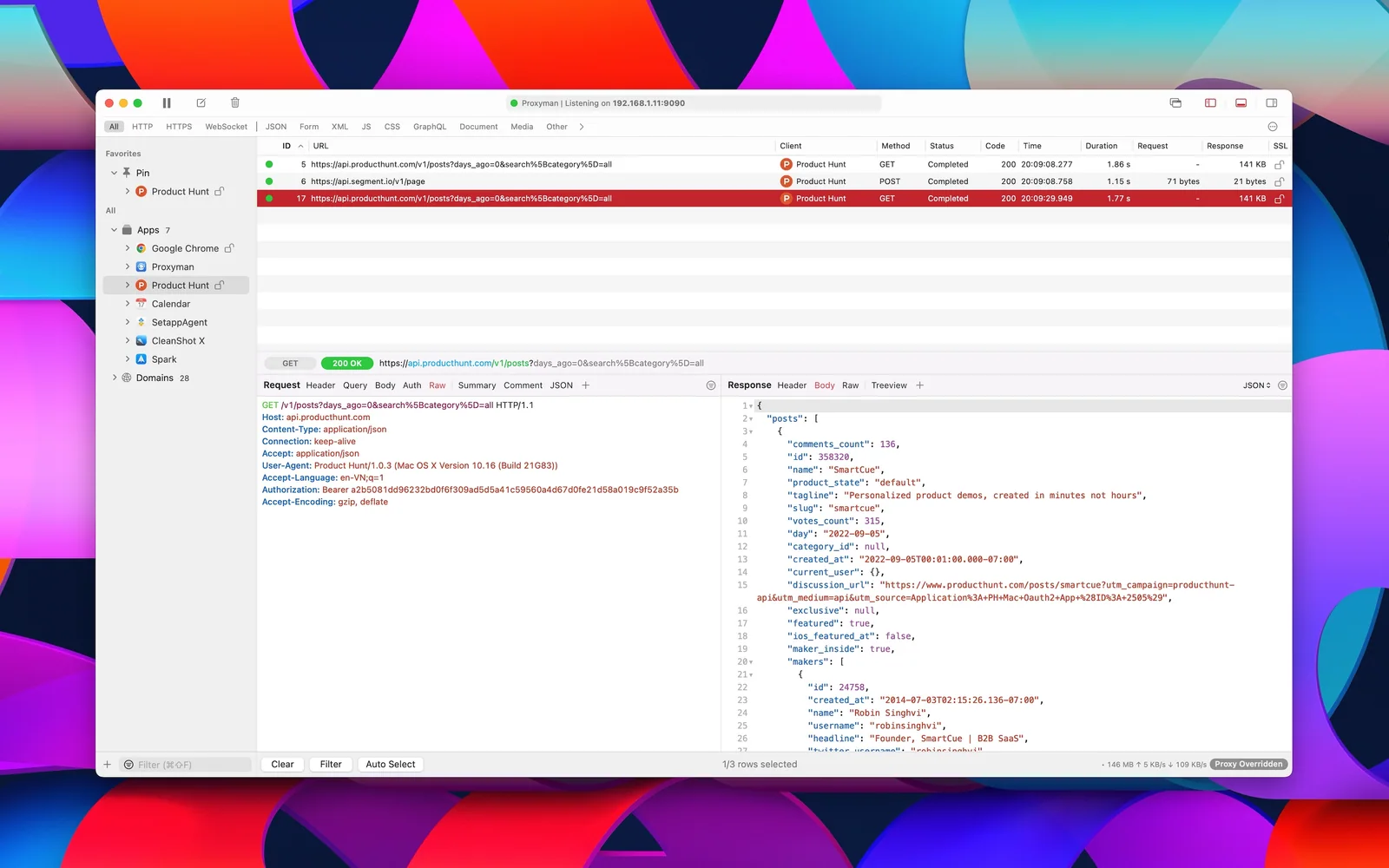
Proxyman — Debug HTTP/HTTPS requests on Mac. Spot and fix issues in real-time with this advanced proxy tool.
Setapp listing: Debug your web traffic