The research shortlist
Page updated
StatsTop pick
Comprehensive free macOS menu-bar monitoring.
Metadata checked Aug 18, 2026
Closest overall iStat Menus substitute: the broadest feature match, native menu-bar workflow, Apple Silicon and Intel support, large community, and frequent current releases.
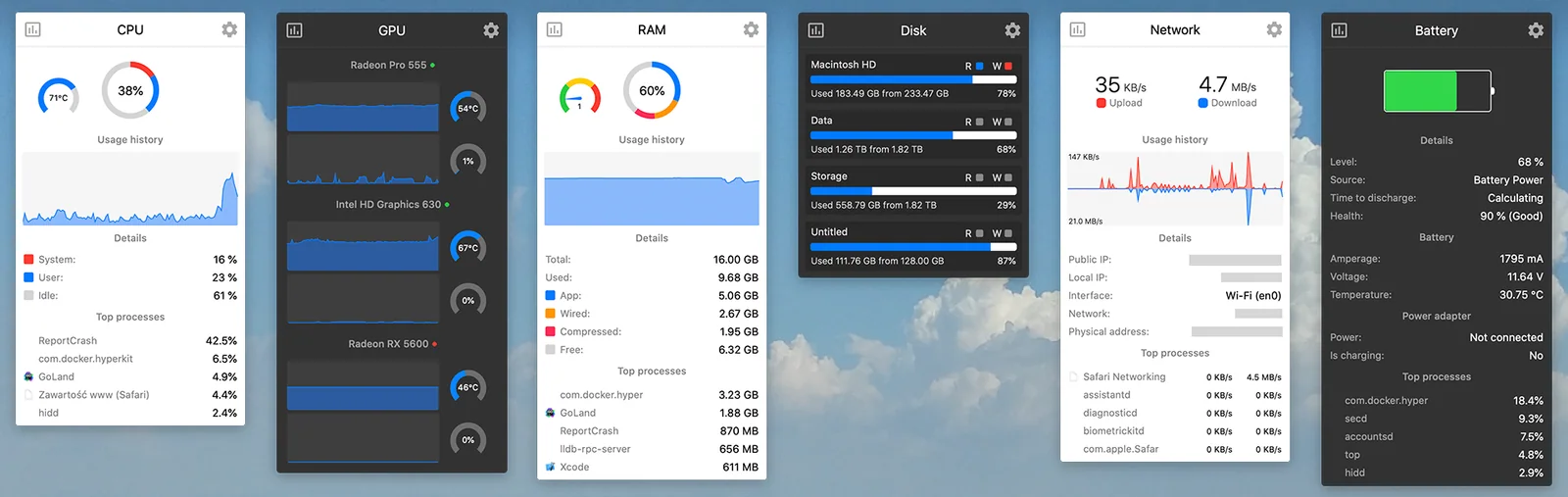
A native, configurable monitor for CPU, GPU, memory, disk, network, sensors, battery, Bluetooth, and clocks, with modular menu-bar widgets.
- 01CPU/GPU load, frequency, and temperature
- 02Memory pressure, swap, and top consumers
- 03Disk space, activity, and SMART health
- 04Network throughput, usage totals, and IP details
- 05Sensors, battery, Bluetooth, and multi-time-zone clock
- 06Configurable menu-bar modules and desktop widgets
- Fan control is legacy functionality and is no longer maintained.
- Sensors and Bluetooth modules can materially increase CPU and energy use.
- Requires macOS 12 or newer.

Evidence sources (12)
- Stats official GitHub repositorySource available ·
- Stats MIT licenseLicense ·
- Stats official homepage and free-availability statementWebsite ↗ ·
- Stats latest releaseRelease ·
- Stats macOS DMG downloadFree at review time ·
- Stats project iconScreenshots ·
- Stats menu-bar screenshotScreenshots ·
- GitHub REST repository APISource available ·
- GitHub license metadataLicense ·
- Latest GitHub releaseRelease ·
- Latest macOS release assetFree at review time ·
- screenshot asset fetched by the local materializerScreenshots ·
Core-Monitor
Apple Silicon monitoring with optional fan control.
Metadata checked Aug 18, 2026
Strongest thermal and power-focused option after Stats: actively released, native, free, GPL-licensed, and unusually complete for Apple Silicon users, including optional fan control.
Full review — capabilities, 3 caveats, evidence
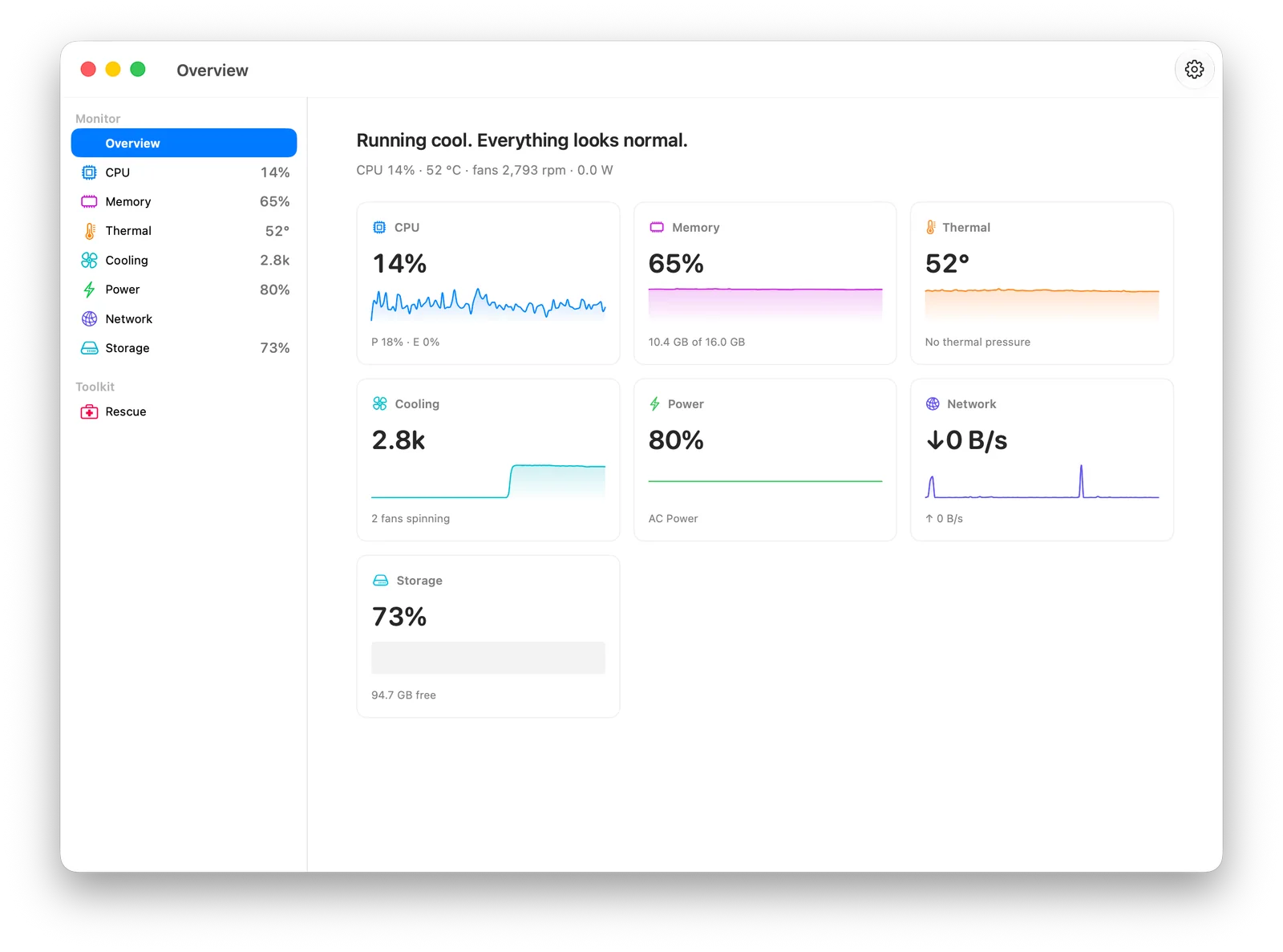
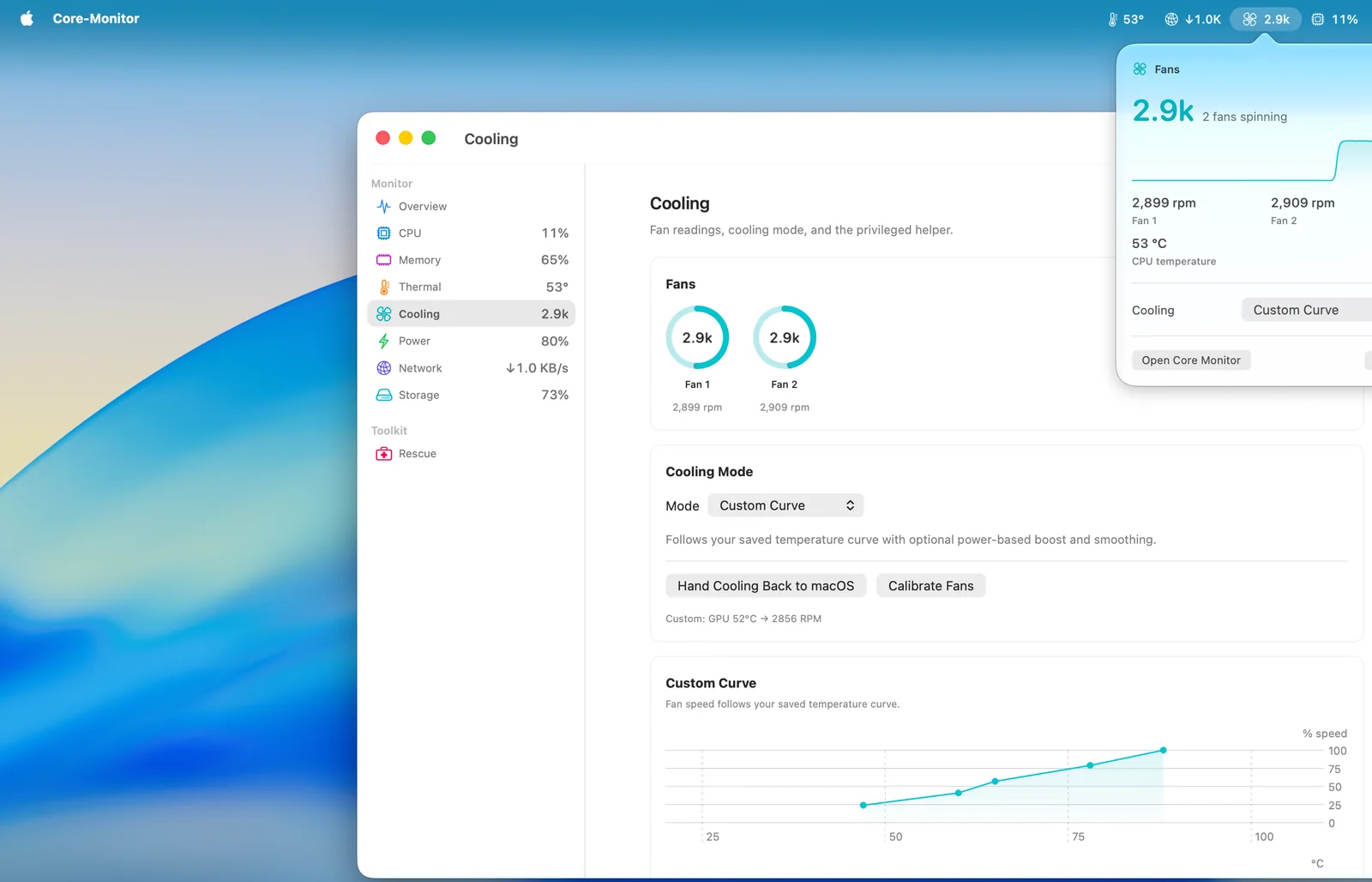
A native Apple Silicon monitor combining menu-bar readings, a history-based dashboard, alerts, sensor details, and optional fan curves/control.
- 01Menu-bar summaries with dashboard history
- 02CPU/GPU, memory, battery, and power readings
- 03Thermals, sensors, network, and disk monitoring
- 04Optional privileged fan control with fixed or custom curves
- 05Threshold alerts and Touch Bar widgets on supported Macs
- 06Local operation without an account or required telemetry
- Apple Silicon only; Intel Macs are unsupported.
- Requires macOS 13 or newer for the current supported build.
- The Mac App Store edition omits fan control; use the direct release for that feature.
Evidence sources (12)
- Core-Monitor official GitHub repositorySource available ·
- Core-Monitor GPL-3.0 license fileLicense ·
- Core-Monitor official homepageWebsite ↗ ·
- Core-Monitor latest releaseRelease ·
- Core-Monitor macOS DMG downloadFree at review time ·
- Core-Monitor project iconScreenshots ·
- Core-Monitor dashboard screenshotScreenshots ·
- GitHub REST repository APISource available ·
- GitHub license metadataLicense ·
- Latest GitHub releaseRelease ·
- Latest macOS release assetFree at review time ·
- screenshot asset fetched by the local materializerScreenshots ·

MacMonitor
Native Apple Silicon system stats in the menu bar.
Metadata checked Aug 18, 2026
A capable newer Apple Silicon alternative with unusually deep native sensor coverage, current releases, a menu-bar app plus widget, and a permissive MIT license; ranked below Core-Monitor for smaller community and maturing hardware coverage.
Full review — capabilities, 3 caveats, evidence
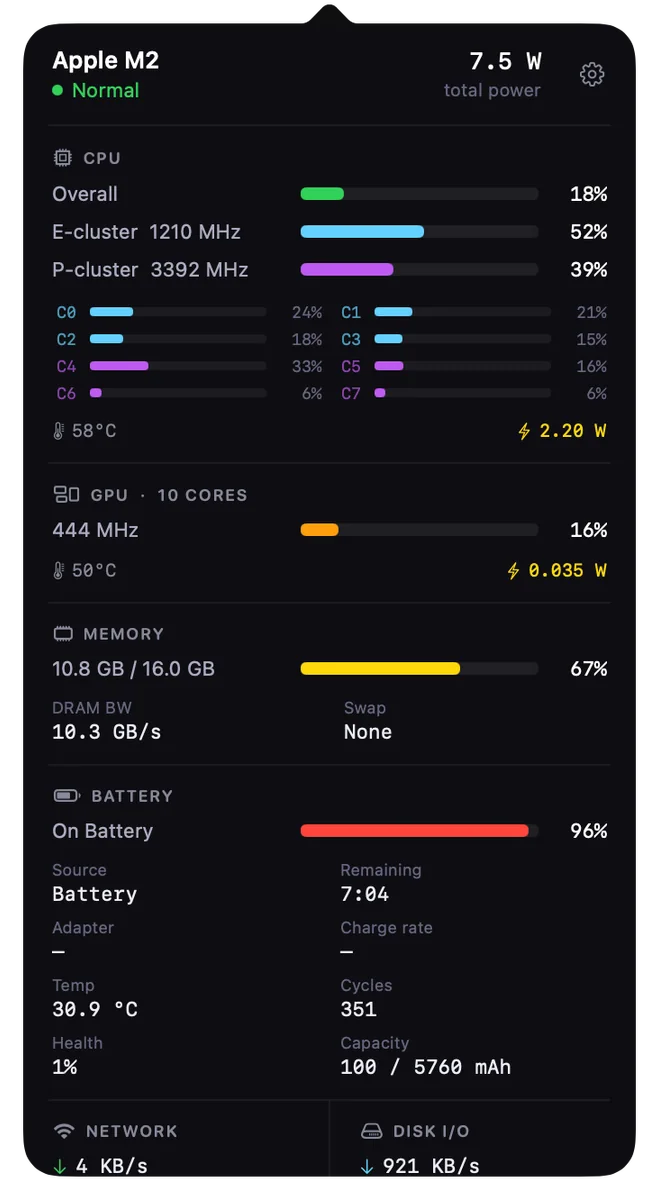
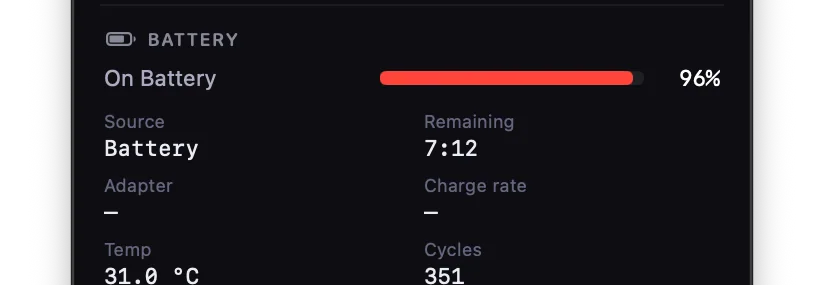
An Apple Silicon menu-bar monitor with a dashboard and desktop widget for processor, graphics, memory, battery, power, fans, network, disk I/O, and top processes.
- 01Compact menu-bar indicator with configurable display
- 02CPU/GPU usage, cluster metrics, temperatures, and power
- 03Memory, swap, disk I/O, network, and top processes
- 04Battery health, cycles, charge rate, and adapter power
- 05Fan RPM and power-rail readings
- 06Standalone desktop widget
- Apple Silicon only and requires macOS 13 or newer.
- Direct releases are not notarized, so the first launch requires Gatekeeper approval.
- The project is still expanding hardware validation and dual-fan support.

Evidence sources (12)
- MacMonitor official GitHub repositorySource available ·
- MacMonitor MIT license fileLicense ·
- MacMonitor latest releaseRelease ·
- MacMonitor macOS DMG downloadFree at review time ·
- MacMonitor project iconScreenshots ·
- MacMonitor dashboard screenshotScreenshots ·
- GitHub REST repository APISource available ·
- GitHub license metadataLicense ·
- Latest GitHub releaseRelease ·
- Latest macOS release assetFree at review time ·
- screenshot asset fetched by the local materializerScreenshots ·
- screenshot asset fetched by the local materializerScreenshots ·
Specifications, side by side
| Attribute | 1 · Stats | 2 · Core-Monitor | 3 · MacMonitor |
|---|---|---|---|
| License | MIT | GPL-3.0-only | MIT |
| Platforms | macOS | macOS | macOS |
| Status | Checked | Checked | Checked |
| Version | v3.0.11 | v17 | v2.0.5 |
| Stars | 41.3k | 103 | 84 |
| Last push | |||
| Caveats | 3 | 3 | 3 |
About iStat Menus
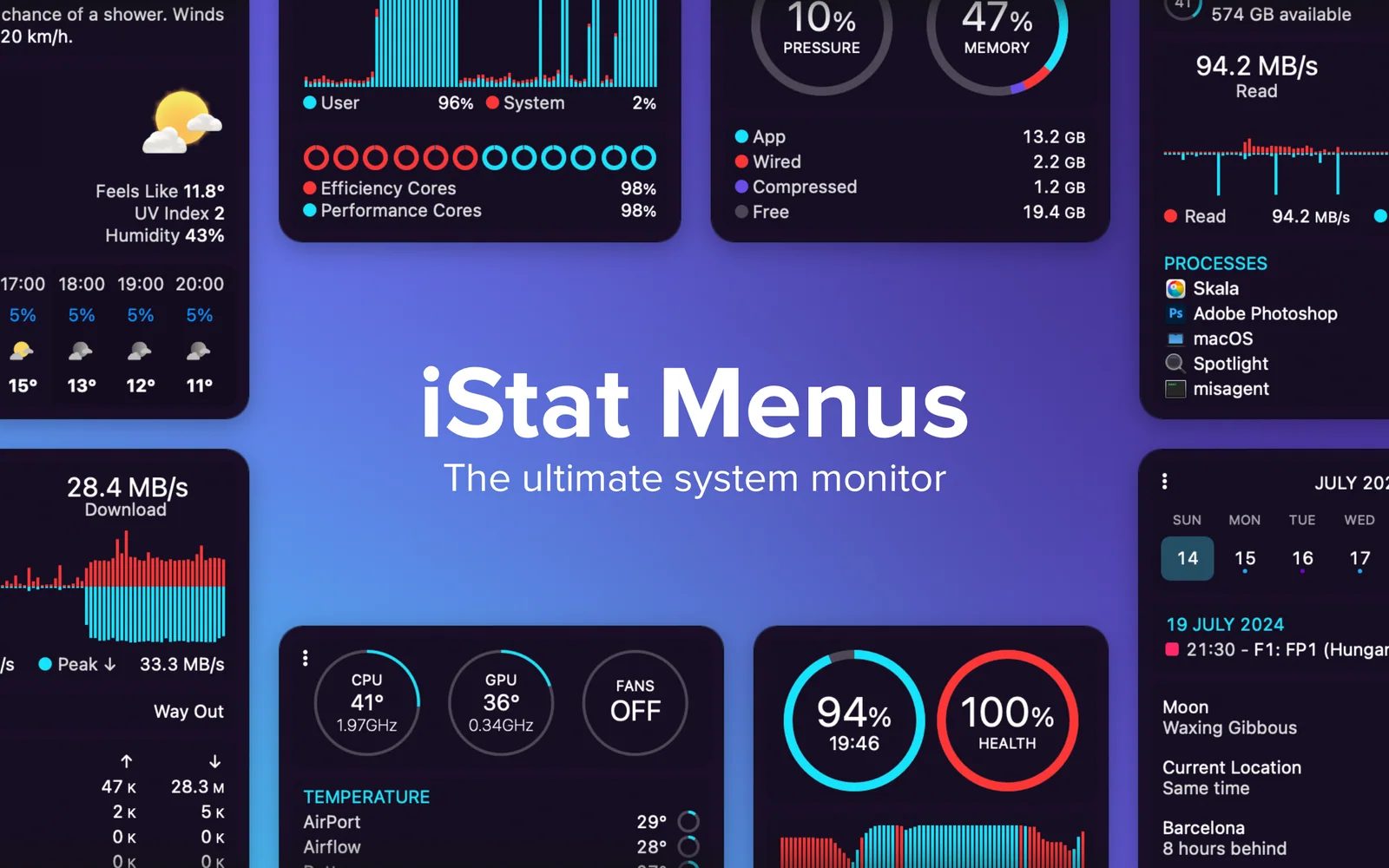
iStat Menus — Monitor your Mac's performance in real time. View CPU, GPU, RAM, and network usage at a glance.
Setapp listing: Track CPU, GPU, sensors, etc.