The research shortlist
Page updated

Double CommanderTop pick
Free, open-source dual-pane file manager
Metadata checked Aug 18, 2026
Strongest overall match: mature dual-pane workflow, native Cocoa builds for Intel and Apple Silicon, extensive functionality, and an active free-software project.
Mature cross-platform file manager with side-by-side or stacked panels, archive browsing, built-in viewers and editors, and extended search.
- 01Side-by-side or stacked dual-pane navigation
- 02Copy, move, rename, delete, and batch file operations
- 03Archives handled like subdirectories
- 04Built-in text editor and file viewer
- 05Extended search and configurable command bar
- 06Native Cocoa builds for Apple Silicon and Intel Macs
- The interface is orthodox and utility-focused rather than closely modeled on Finder.
- macOS packages are distributed outside the Mac App Store.
Evidence sources (15)
- Double Commander GitHub repositorySource available ·
- Double Commander LICENSE.mdLicense ·
- Double Commander official homepageWebsite ↗ ·
- Double Commander supported platformsDocumented macOS path ·
- Double Commander official download pageFree at review time ·
- Double Commander releasesRelease ·
- Double Commander project logoScreenshots ·
- GitHub REST repository APISource available ·
- GitHub license metadataLicense ·
- Latest GitHub releaseRelease ·
- Latest macOS release assetFree at review time ·
- Latest Double Commander release with macOS DMGsRelease ·
- Official Double Commander download pageFree at review time ·
- Double Commander project iconScreenshots ·
- Double Commander official screenshot galleryScreenshots ·

muCommander
Open-source dual-pane file manager
Metadata checked Aug 18, 2026
Best mature cross-platform fallback when network protocols and archive breadth matter; current macOS packages and GPLv3 source provide a genuinely free alternative.
Full review — capabilities, 2 caveats, evidence
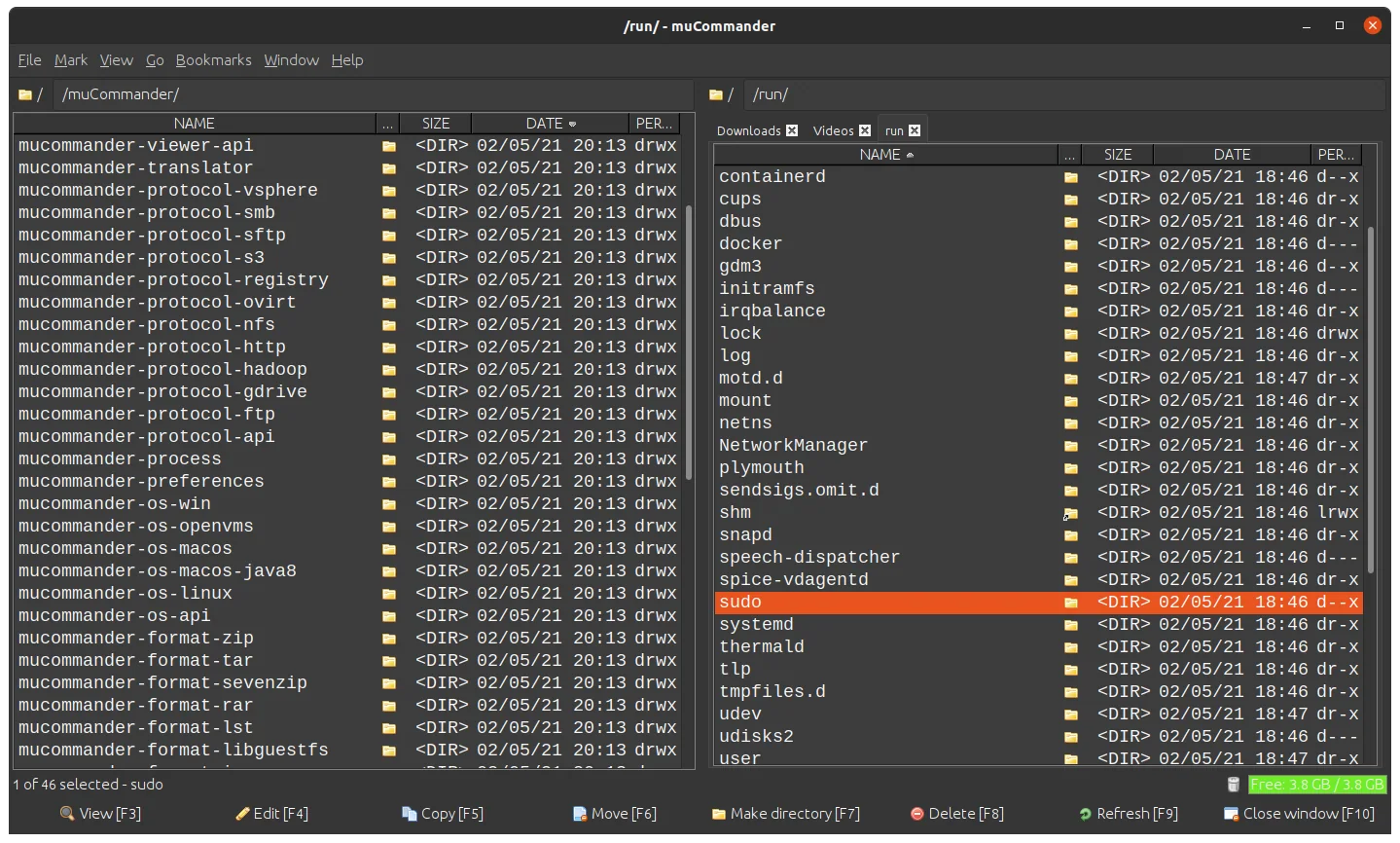
Java-based dual-pane file manager with tabs, batch operations, remote and cloud protocols, archive browsing, checksums, themes, and configurable shortcuts.
- 01Dual-pane interface with tabs
- 02Copy, move, rename, and batch rename
- 03FTP, SFTP, SMB, NFS, HTTP, S3, HDFS, and Bonjour support
- 04ZIP, RAR, 7z, TAR, ISO, and other archive formats
- 05Checksums, themes, bookmarks, and configurable shortcuts
- 06Official macOS DMGs for x64, arm64, and noarch
- Its Java UI is less Mac-native than Double Commander or Rascal.
- The official README notes that the macOS app is unsigned and may require removing the quarantine flag before first launch.
Evidence sources (10)
- muCommander GitHub repositorySource available ·
- muCommander LICENSE fileLicense ·
- muCommander official homepage and downloadsWebsite ↗ ·
- muCommander 1.6.2 releaseRelease ·
- muCommander project logoScreenshots ·
- muCommander product screenshotScreenshots ·
- GitHub REST repository APISource available ·
- Latest macOS release assetFree at review time ·
- muCommander GitHub releases and nightly maintenance activityRelease ·
- muCommander LICENSE fileLicense ·
Rascal
Native, keyboard-first Finder replacement
Metadata checked Aug 18, 2026
Best native Mac-first newcomer: it directly targets the Finder replacement use case and combines dual panes with strong keyboard controls, current free releases, and MIT-licensed source.
Full review — capabilities, 2 caveats, evidence
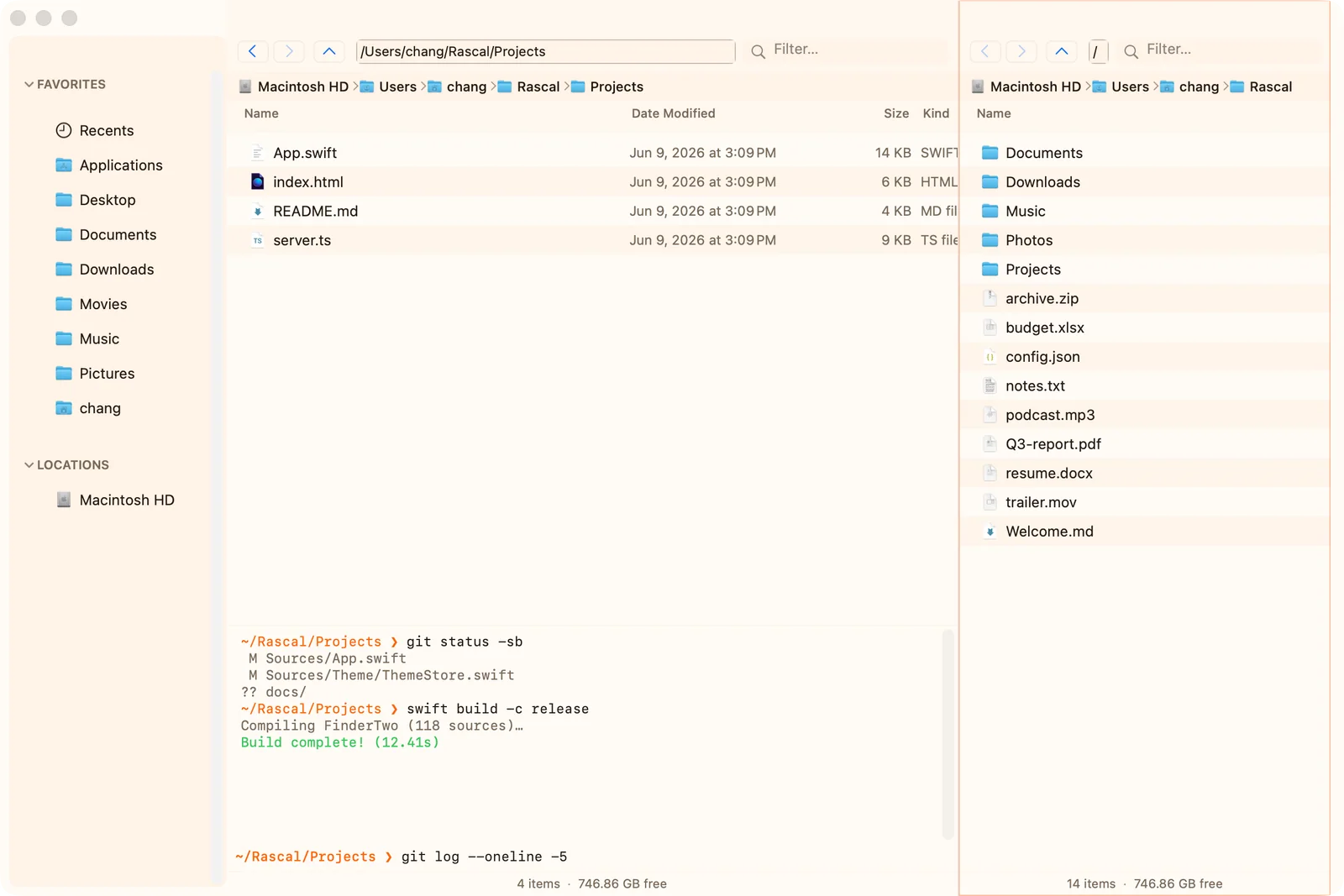
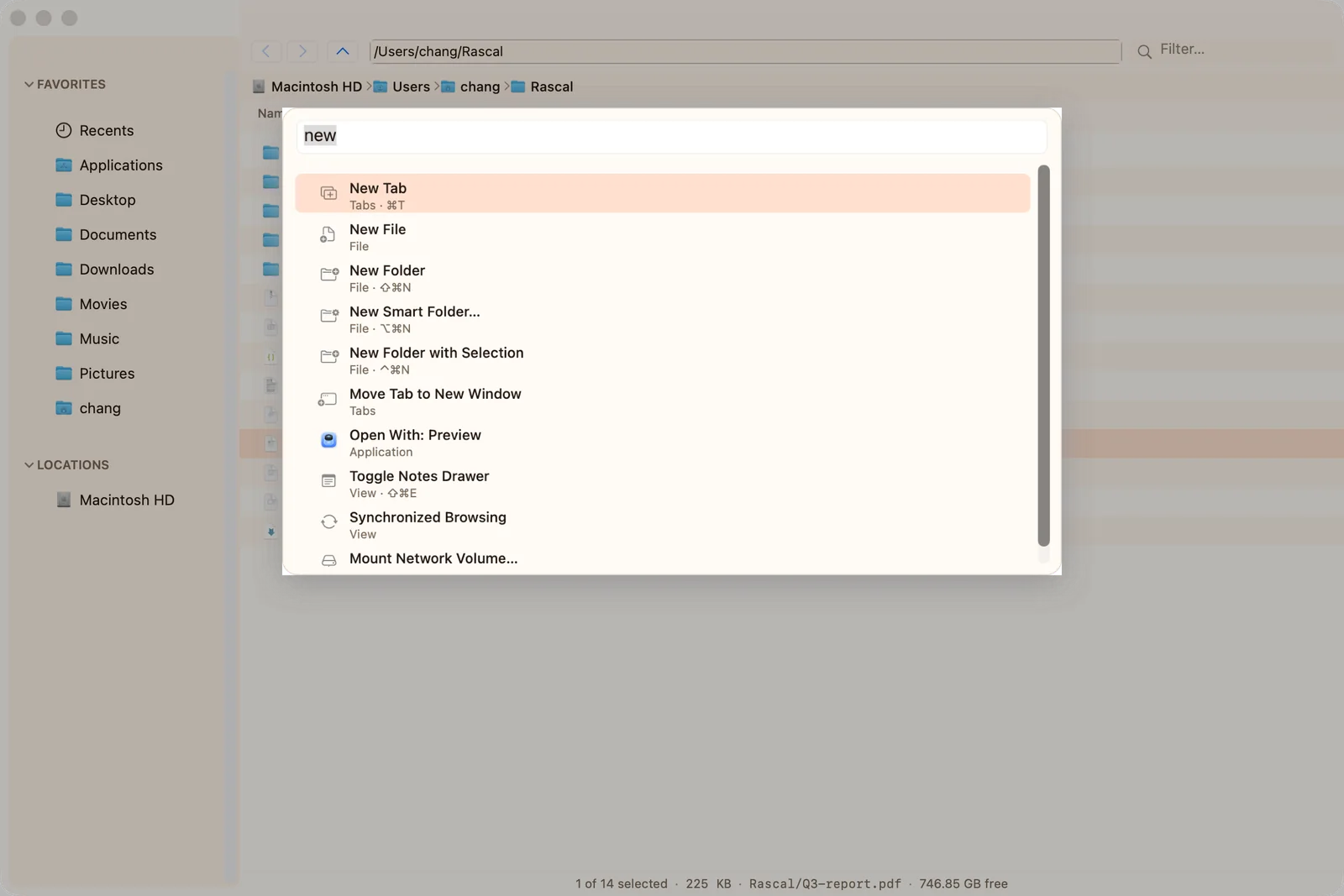
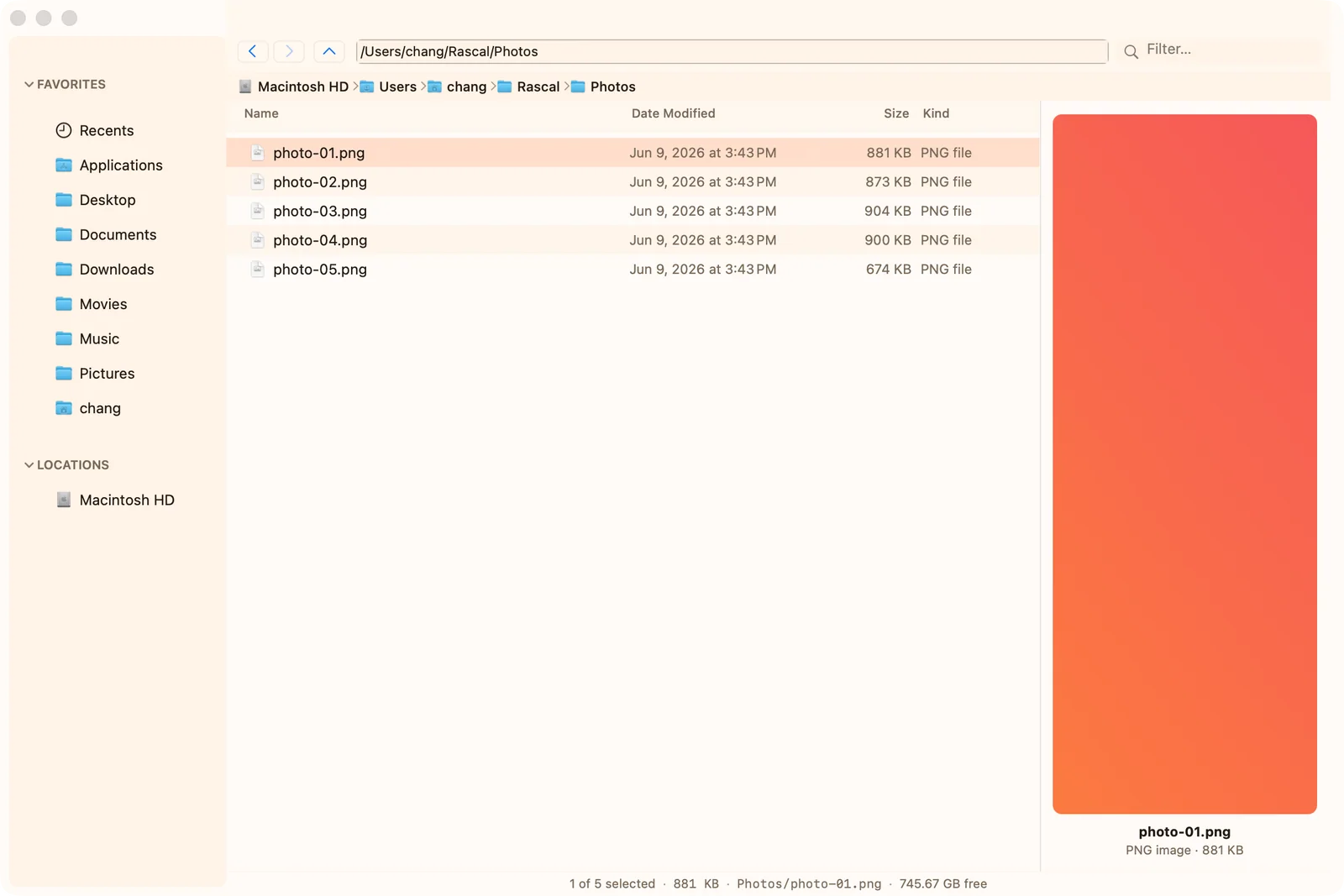
Native AppKit Finder replacement for macOS with dual and multi-pane browsing, a command palette, vim keys, Finder tags, previews, a disk treemap, and an inline terminal.
- 01Dual and multi-pane layouts with tabs
- 02List, Icon, Column, and Gallery views
- 03Fuzzy command palette and vim navigation
- 04Finder tags and saved-search smart folders
- 05Live disk-usage treemap
- 06Inline terminal synchronized with the active pane
- Pre-1.0 project; the latest release is 0.1.5 and the public community is still small.
- The app is ad-hoc signed, so macOS may require right-clicking Open or clearing quarantine on first launch.
Evidence sources (11)
- Rascal GitHub repositorySource available ·
- Rascal LICENSE fileLicense ·
- Rascal official homepageWebsite ↗ ·
- Rascal macOS downloadsFree at review time ·
- Rascal 0.1.5 releaseRelease ·
- Rascal product screenshotScreenshots ·
- Rascal command palette screenshotScreenshots ·
- Rascal preview screenshotScreenshots ·
- GitHub REST repository APISource available ·
- GitHub license metadataLicense ·
- Latest macOS release assetFree at review time ·
Specifications, side by side
| Attribute | 1 · Double Commander | 2 · muCommander | 3 · Rascal |
|---|---|---|---|
| License | GPL-2.0-only | GPL-3.0-only | MIT |
| Platforms | macOS, Windows, Linux | macOS, Windows, Linux | macOS |
| Status | Checked | Checked | Checked |
| Version | v1.2.8 | v1.6.2-1 | v0.1.5 |
| Stars | 4.4k | 1.3k | 134 |
| Last push | |||
| Caveats | 2 | 2 | 2 |
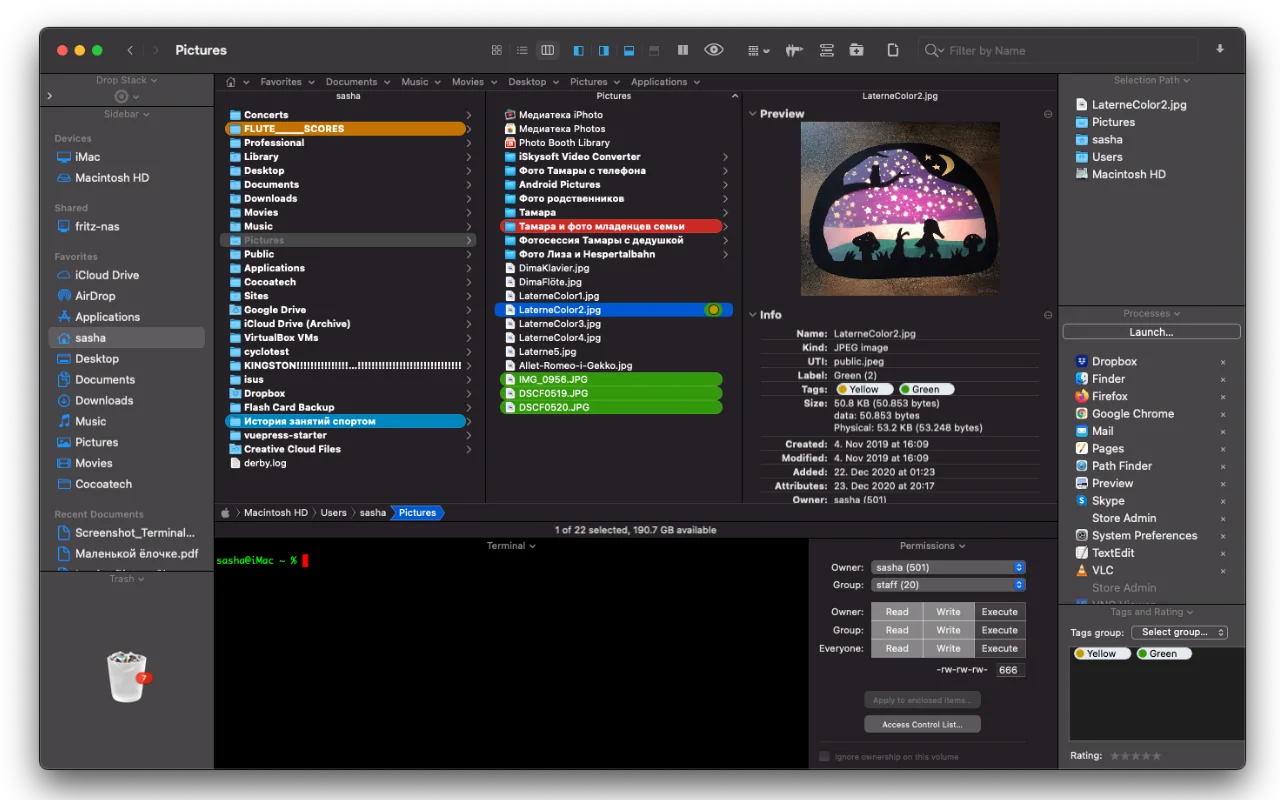
About Path Finder
Path Finder — Expand your Mac’s file management. Move, copy, sync, and manage files seamlessly with this Finder alternative.
Setapp listing: Copy, delete, and sync files