The research shortlist
Page updated

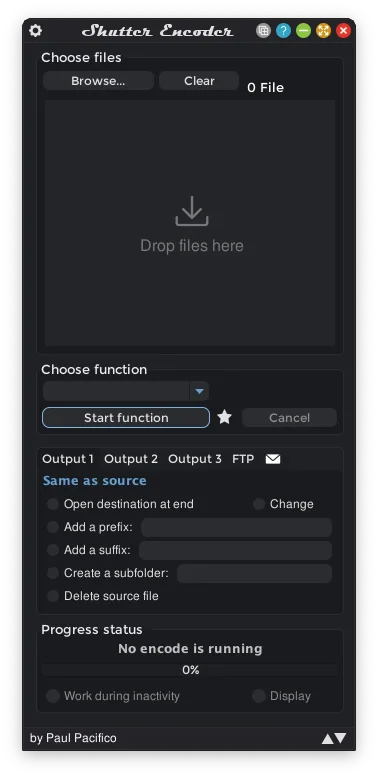
Shutter EncoderTop pick
Free GUI media converter for video, audio, and images
Metadata checked Aug 18, 2026
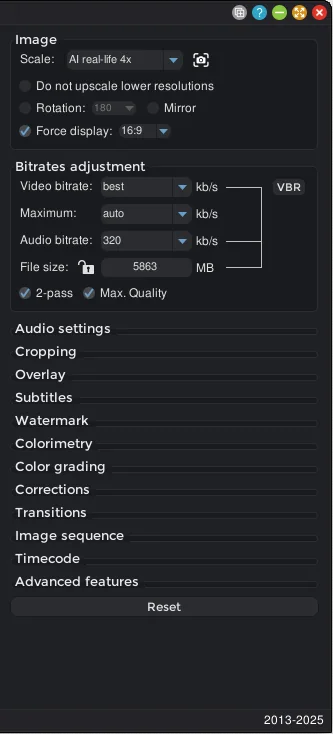
Best overall Permute replacement: it matches Permute's multi-media scope in a GUI and has active releases plus native Intel and Apple Silicon downloads. Its workflow is more technical but substantially broader.
An FFmpeg-based graphical converter with broad video, audio, and image support, batch queues, presets, remuxing, subtitles, and lossless operations.
- 01Video, audio, and image transcoding
- 02Batch processing and reusable presets
- 03Remuxing, extraction, subtitles, and lossless cuts
- 04Intel and Apple Silicon macOS installers
- More settings and a steeper learning curve than Permute.
- The download page includes optional donation prompts; the application is explicitly offered without required payment or feature limits.
Evidence sources (10)
- Official Shutter Encoder GitHub repositorySource available ·
- Shutter Encoder GPL-3.0 license fileLicense ·
- Shutter Encoder releases, including 20.2Release ·
- Official Shutter Encoder homepageWebsite ↗ ·
- Shutter Encoder project logoScreenshots ·
- Shutter Encoder product screenshotScreenshots ·
- GitHub REST repository APISource available ·
- GitHub license metadataLicense ·
- Latest GitHub releaseRelease ·
- screenshot asset fetched by the local materializerScreenshots ·
HandBrake
Mature open-source video transcoder for macOS
Metadata checked Aug 18, 2026
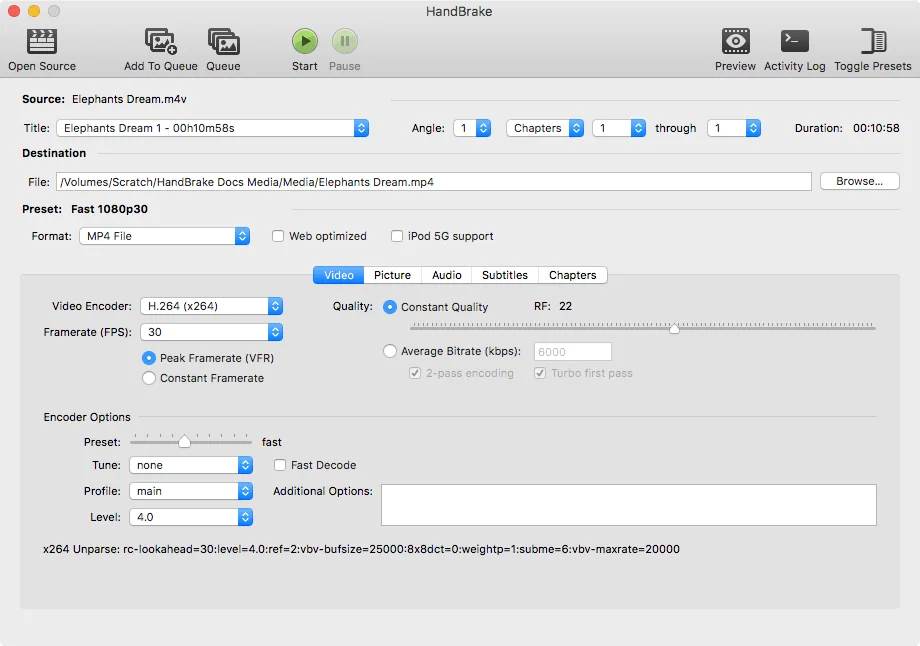
Best polished video-only choice: excellent macOS usability, long-term maintenance, trusted releases, presets, and strong codec coverage. It is narrower than Permute because it does not provide general image conversion.
Full review — capabilities, 2 caveats, evidence
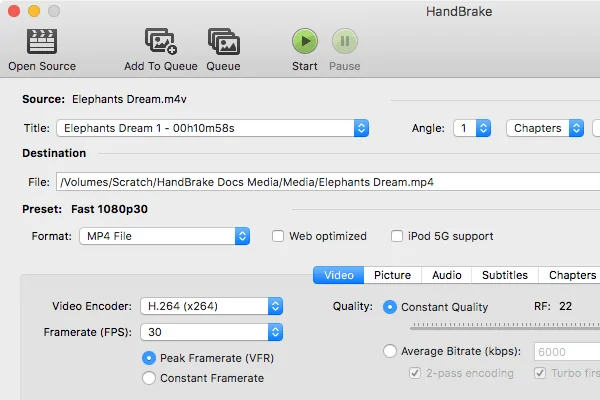
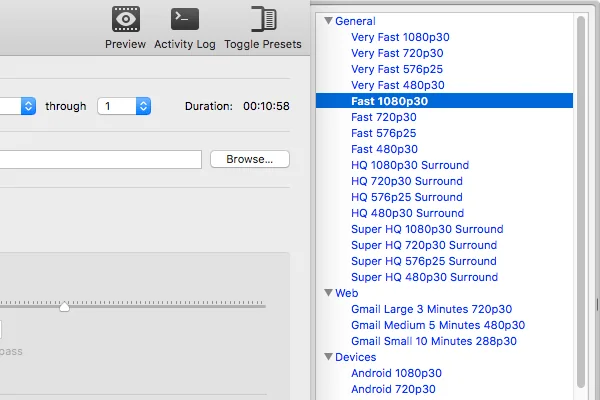
A polished video transcoder with device presets, queueing, filters, subtitles, hardware-accelerated encoding, and MP4, MKV, and WebM output.
- 01Converts common video files and unprotected discs
- 02Device presets and batch encoding queues
- 03H.264, H.265, AV1, VP8, and VP9 output
- 04Universal macOS download for macOS 10.13 and later
- Focused on video transcoding rather than general audio and image conversion.
- Disc input must not contain copy protection.
Evidence sources (13)
- Official HandBrake GitHub repositorySource available ·
- HandBrake license fileLicense ·
- HandBrake releases, including 1.11.2Release ·
- Official HandBrake homepageWebsite ↗ ·
- Official macOS download and free-use informationFree at review time ·
- HandBrake macOS product screenshotScreenshots ·
- GitHub REST repository APISource available ·
- Latest GitHub releaseRelease ·
- Latest macOS release assetFree at review time ·
- Official macOS download informationFree at review time ·
- HandBrake project logoScreenshots ·
- HandBrake Mac GUI screenshotScreenshots ·
- HandBrake Mac GUI screenshotScreenshots ·
FFmpeg
Command-line multimedia converter and toolkit
Metadata checked Aug 18, 2026
Best for maximum format coverage, automation, and community trust: FFmpeg is the core engine behind many media applications and remains actively released. It ranks below the GUI options because macOS installation and daily use require Terminal commands or a separate wrapper.
Full review — capabilities, 3 caveats, evidence
The highly maintained multimedia toolkit for transcoding, muxing, filtering, probing, and streaming audio and video across an exceptionally broad range of formats.
- 01Audio and video conversion across extensive codec and container support
- 02Muxing, demuxing, filtering, scaling, and stream manipulation
- 03ffprobe analysis and scriptable batch workflows
- 04Official documentation of macOS support and 64-bit macOS builds
- No built-in drag-and-drop GUI; users must learn command syntax or add a front end.
- The official project publishes source code and links to third-party compiled macOS builds.
- License obligations vary when optional GPL components are enabled.
Evidence sources (11)
- Official FFmpeg GitHub mirror repositorySource available ·
- FFmpeg license fileLicense ·
- FFmpeg releases and tags, including 9.0.1Release ·
- Official FFmpeg homepageWebsite ↗ ·
- Official macOS support and multimedia-tool documentationDocumented macOS path ·
- Official source download and macOS build linksFree at review time ·
- GitHub REST repository APISource available ·
- FFmpeg 9.0.1 macOS ZIP buildFree at review time ·
- FFmpeg Darwin/macOS platform supportDocumented macOS path ·
- FFmpeg license and availability termsFree at review time ·
- FFmpeg organization avatarScreenshots ·
Specifications, side by side
| Attribute | 1 · Shutter Encoder | 2 · HandBrake | 3 · FFmpeg |
|---|---|---|---|
| License | GPL-3.0-only | GPL-2.0 +2 | LGPL-2.1-or-later |
| Platforms | macOS, Windows, Linux | macOS, Windows, Linux | macOS, Windows, Linux |
| Status | Checked | Checked | Checked |
| Version | v20.2 | v1.11.2 | v9.0.1 |
| Stars | 2.7k | 24.1k | 63.4k |
| Last push | |||
| Caveats | 2 | 2 | 3 |
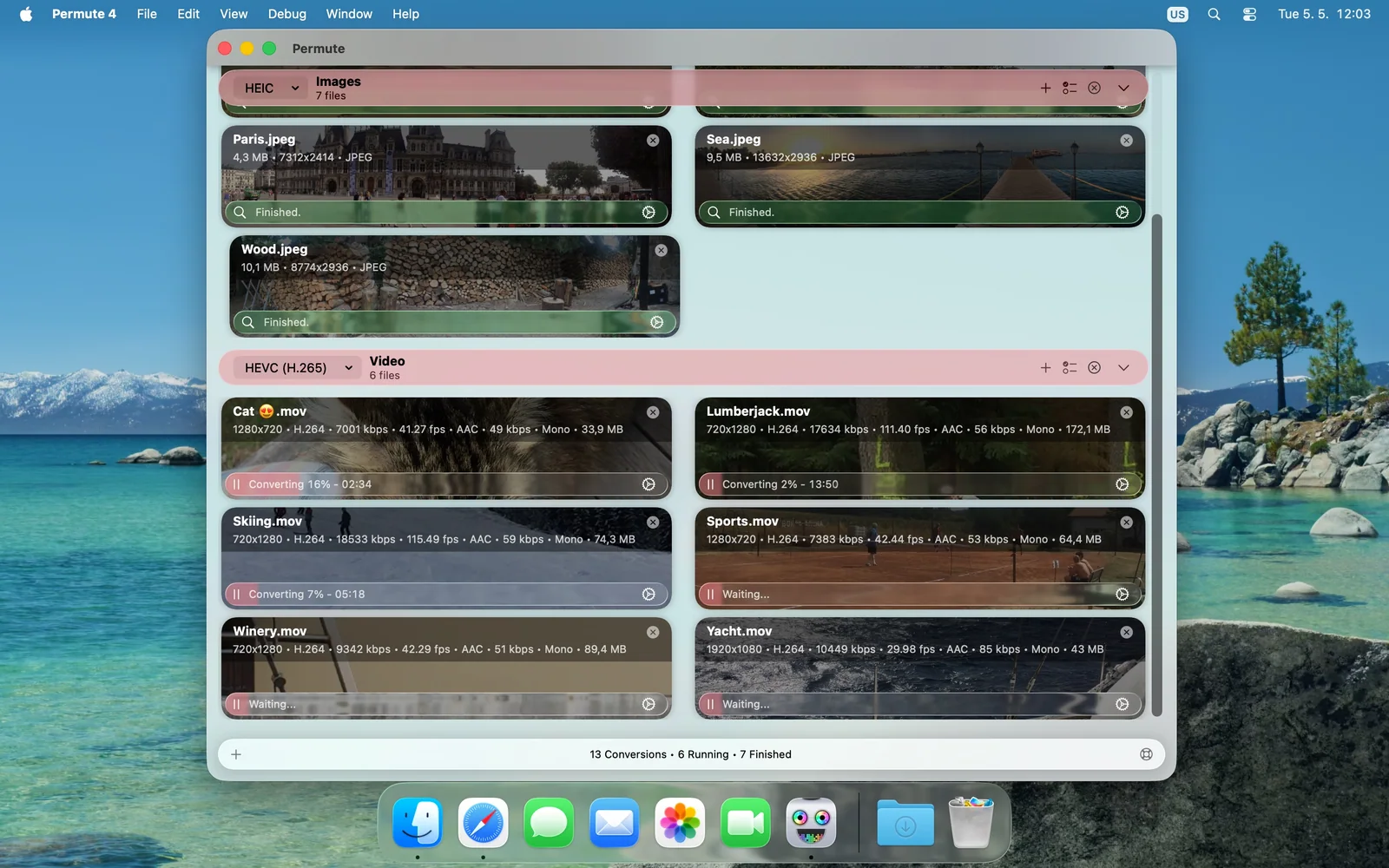
About Permute
Permute — Media converter for Mac. Convert video, audio, images, PDFs, and text. Edit files in bulk without the format fuss.
Setapp listing: Convert audio, images, and videos