The research shortlist
Page updated
LibreOfficeTop pick
Open-source PDF editing through Draw
Metadata checked Aug 18, 2026
Best overall fit for changing PDF content on macOS: it combines genuine editing and signing with mature maintenance, an established community, and current stable Mac installers.
LibreOffice Draw can open PDF content as editable objects, modify text and graphics, sign existing PDFs, and export revised documents. It is a mature full office suite rather than a PDF-only app.
- 01Edit PDF text, graphics, and page objects in Draw
- 02Digitally sign existing PDFs
- 03Export revised documents to PDF
- 04Stable Apple Silicon and Intel macOS builds
- PDF work happens in the general-purpose Draw module, not a dedicated PDF-first interface.
- Complex or heavily designed PDFs may need layout cleanup after import.
Evidence sources (18)
- Official LibreOffice core repositorySource available ·
- LibreOffice core licensing fileLicense ·
- Official macOS Apple Silicon and Intel downloadsFree at review time ·
- Official LibreOffice release notesRelease ·
- LibreOffice official homepage and free-software statementWebsite ↗ ·
- Official guide documenting PDF editing with DrawWebsite ↗ ·
- Official LibreOffice logo assetScreenshots ·
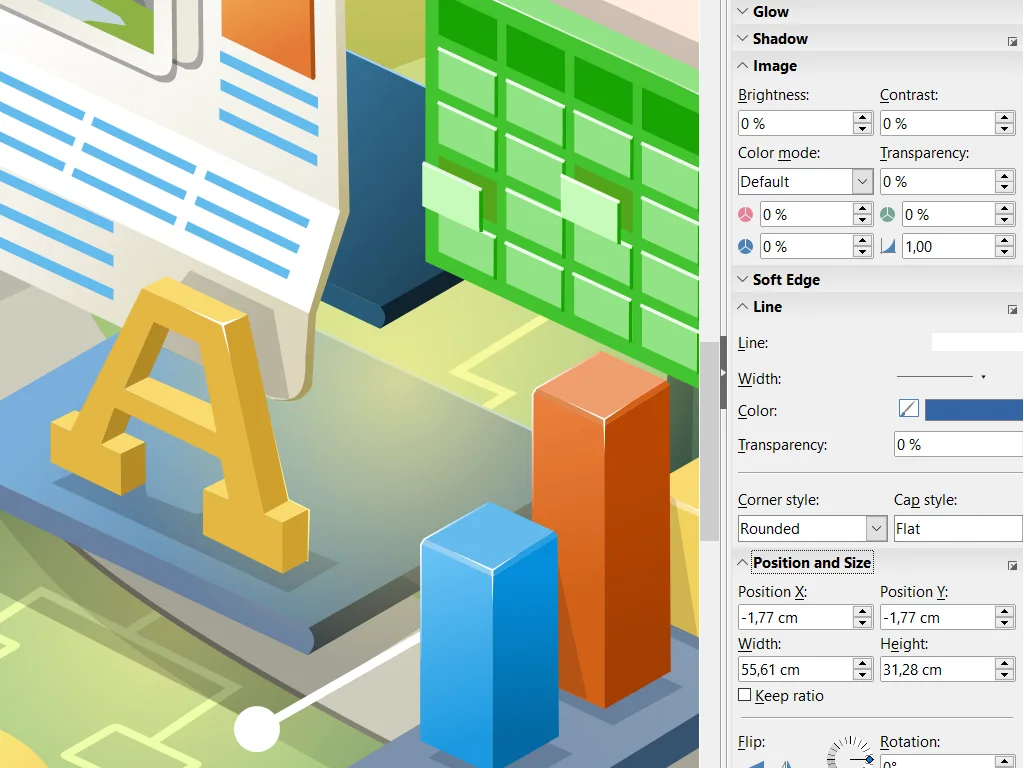
- Official LibreOffice Draw screenshotScreenshots ·
- GitHub REST repository APISource available ·
- GitHub license metadataLicense ·
- GitHub master commit historySource available ·
- LibreOffice licensing and legal informationLicense ·
- LibreOffice 26.2.5 macOS Apple Silicon installerFree at review time ·
- Official macOS Apple Silicon download metadataDocumented macOS path ·
- Official macOS Intel download metadataDocumented macOS path ·
- Official Writer product screenshotScreenshots ·
- Official Calc product screenshotScreenshots ·
- Official Impress product screenshotScreenshots ·
Okular
Feature-rich open-source PDF viewer and annotator
Metadata checked Aug 18, 2026
Best dedicated PDF viewer and annotator, backed by KDE's active release cadence and large community. It ranks below LibreOffice because macOS packaging is currently experimental and it does not directly edit arbitrary PDF text.
Full review — capabilities, 2 caveats, evidence
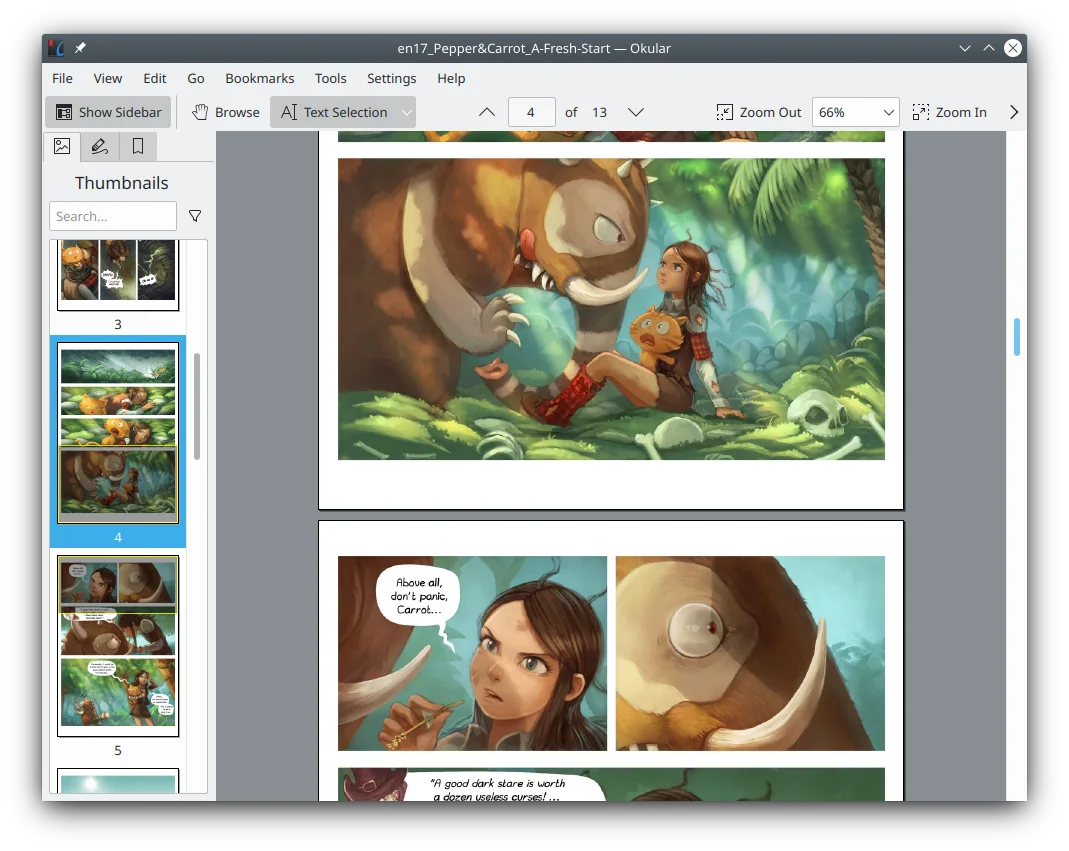
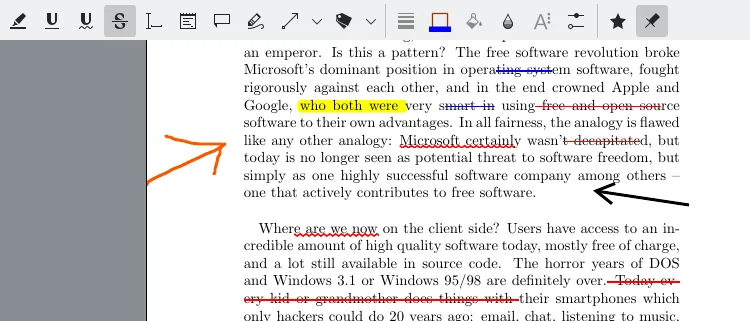
KDE's document viewer provides PDF reading, native annotations, highlights, text notes, form handling, and digital-signature verification and signing. It is the strongest dedicated viewer-style alternative in this group.
- 01Read and navigate PDFs with thumbnails and content panels
- 02Add notes, highlights, underlines, and text annotations
- 03Handle PDF forms
- 04Verify and create digital signatures
- The official Okular download page currently labels both ARM and Intel macOS builds as untested nightly builds.
- It is primarily a viewer, annotator, form, and signature tool rather than a full text-and-image PDF editor.
Evidence sources (9)
- Official KDE Okular repositorySource available ·
- Okular GPL-2.0-or-later license textLicense ·
- Okular official homepage and feature overviewWebsite ↗ ·
- Official Okular download page listing macOS ARM and Intel buildsDocumented macOS path ·
- KDE Gear 26.04 Okular release notesRelease ·
- Official Okular product screenshotScreenshots ·
- Official Okular annotation screenshotScreenshots ·
- GitHub REST repository APISource available ·
- Project homepageWebsite ↗ ·
PDFsam Basic
Free offline PDF page operations
Metadata checked Aug 18, 2026
Best free complement for Nitro's document-assembly workflows, with a long maintenance history and current ARM64 and Intel macOS packages. Its narrower scope keeps it below the editor and viewer alternatives.
Full review — capabilities, 2 caveats, evidence
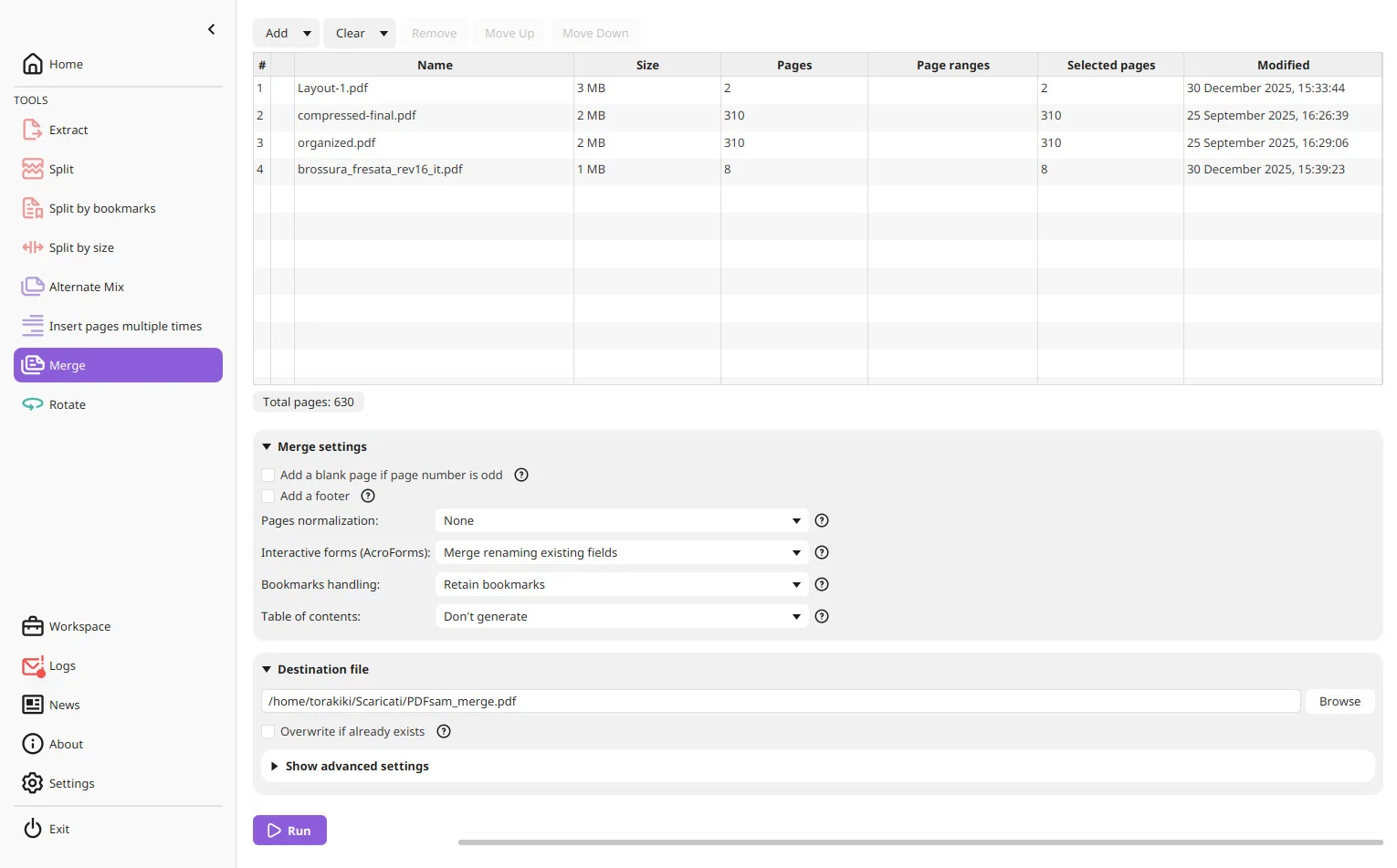
PDFsam Basic is a focused desktop tool for merging, splitting, mixing, rotating, extracting, and inserting PDF pages. Its core app is free, offline, AGPL-licensed, and distributed with current macOS installers.
- 01Merge PDFs and selected page ranges
- 02Split by pages, bookmarks, or size
- 03Mix, rotate, extract, and insert pages
- 04Process files locally without uploads
- PDFsam Basic does not provide general text/image editing, OCR, annotations, or digital signing.
- Some advanced PDFsam capabilities are separate Visual or Enhanced products and may require payment; the Basic core remains free and open source.
Evidence sources (14)
- Official PDFsam repositorySource available ·
- PDFsam AGPL license fileLicense ·
- Official PDFsam Basic download page with macOS ARM and Intel packagesFree at review time ·
- Latest PDFsam release and macOS assetsRelease ·
- PDFsam Basic official feature and free-software pageWebsite ↗ ·
- PDFsam product comparison identifying Basic as free and open sourceFree at review time ·
- Official PDFsam Basic product screenshotScreenshots ·
- GitHub REST repository APISource available ·
- GitHub license metadataLicense ·
- Latest GitHub releaseRelease ·
- Latest macOS release assetFree at review time ·
- PDFsam Basic split screenshotScreenshots ·
- PDFsam Basic rotate screenshotScreenshots ·
- PDFsam Basic extract-pages screenshotScreenshots ·
Specifications, side by side
| Attribute | 1 · LibreOffice | 2 · Okular | 3 · PDFsam Basic |
|---|---|---|---|
| License | GPL-3.0-only | GPL-2.0-or-later | AGPL-3.0-only |
| Platforms | macOS, Windows, Linux | macOS, Windows, Linux | macOS, Windows, Linux |
| Status | Checked | Checked | Checked |
| Version | v26.2.5 | — | v6.0.5 |
| Stars | 4.2k | 1.5k | 4.5k |
| Last push | |||
| Caveats | 2 | 2 | 2 |
About Nitro PDF Pro
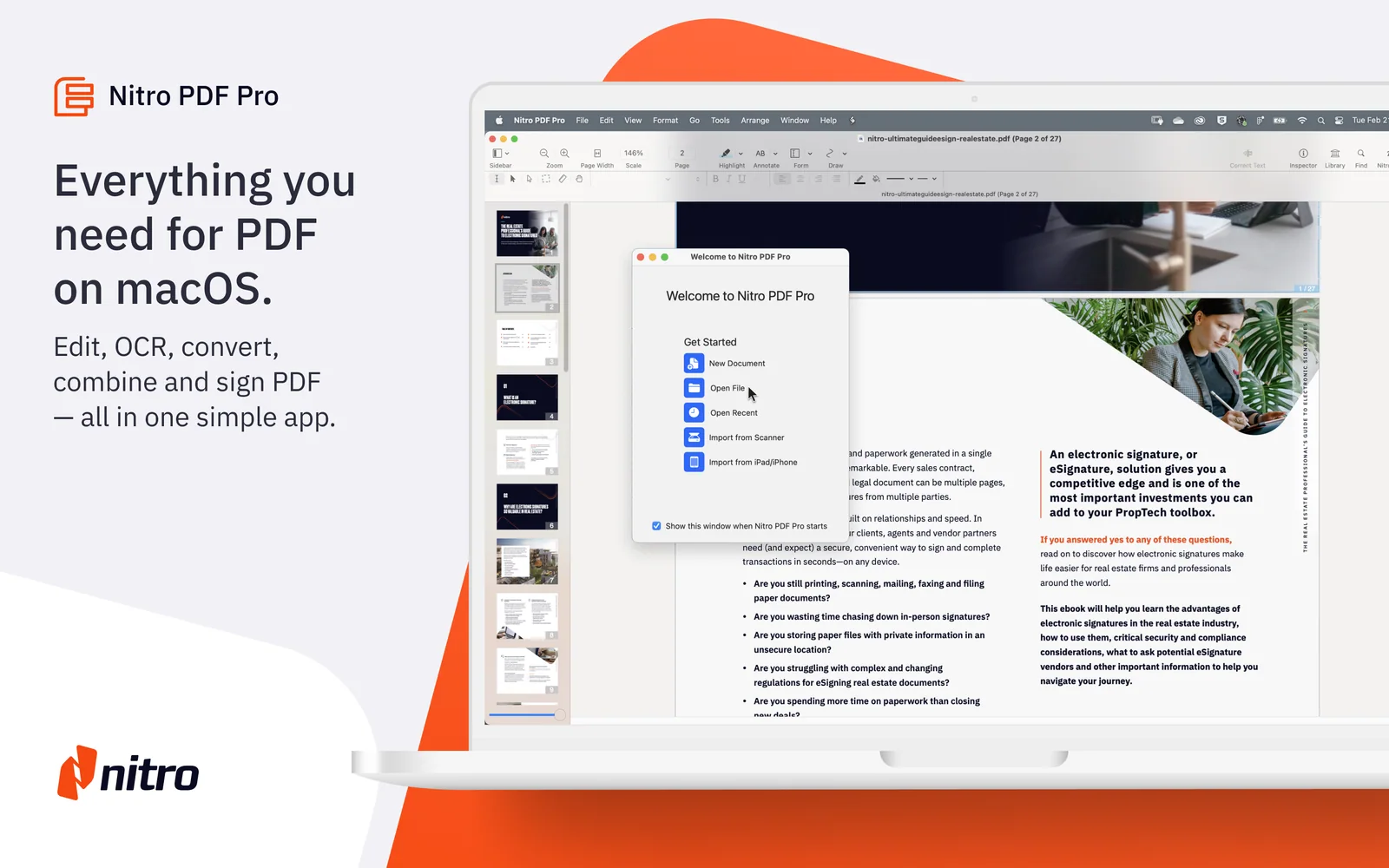
Nitro PDF Pro — PDF editor for Mac. Convert, annotate, merge, and collaborate on documents.
Setapp listing: Work with your PDFs