
The research shortlist
Page updated
JoplinTop pick
Open-source Markdown notes and to-dos across your devices
Metadata checked Aug 18, 2026
Best overall replacement: mature open-source notes and to-dos, strong macOS desktop support, extensive features, and active releases.
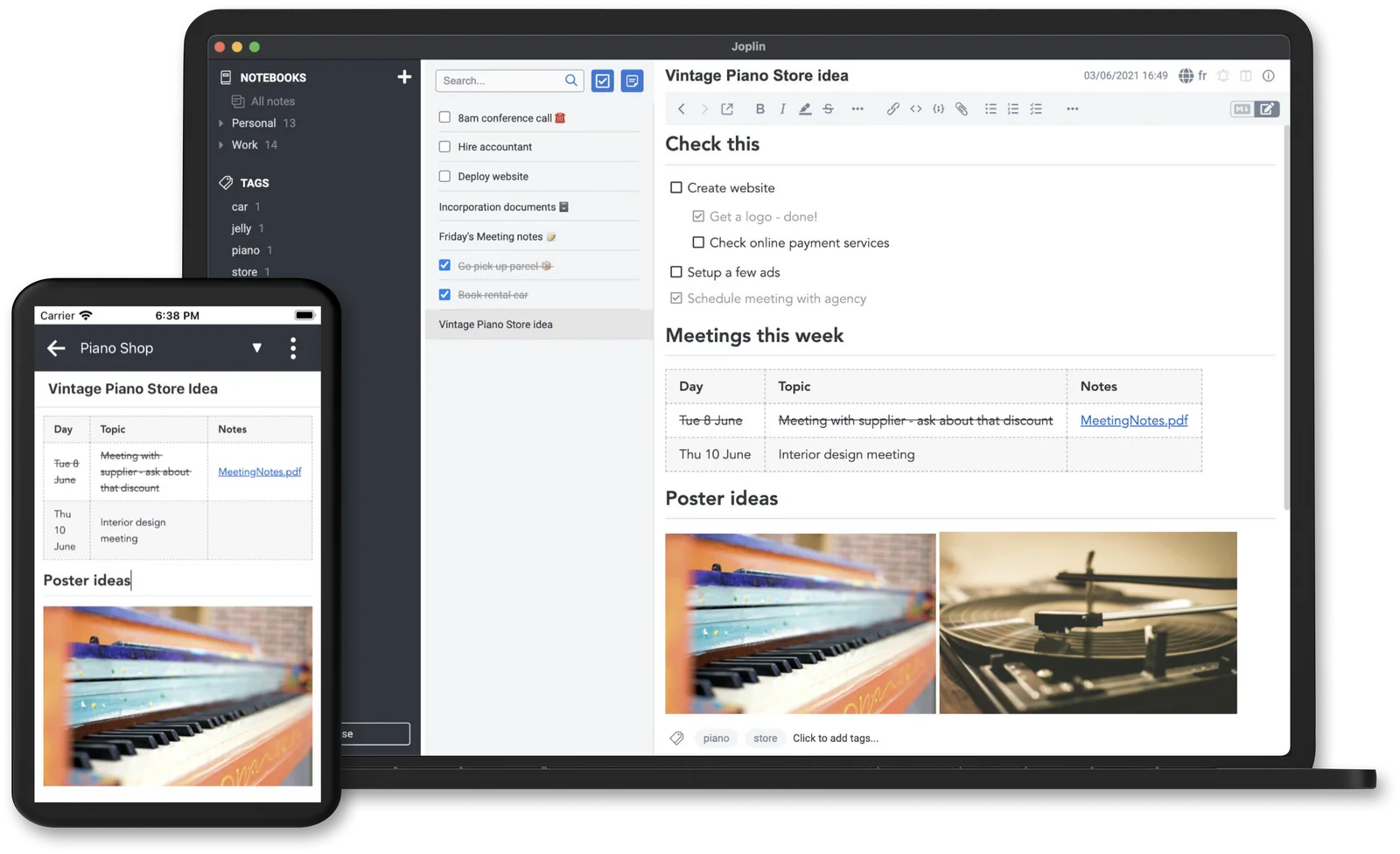
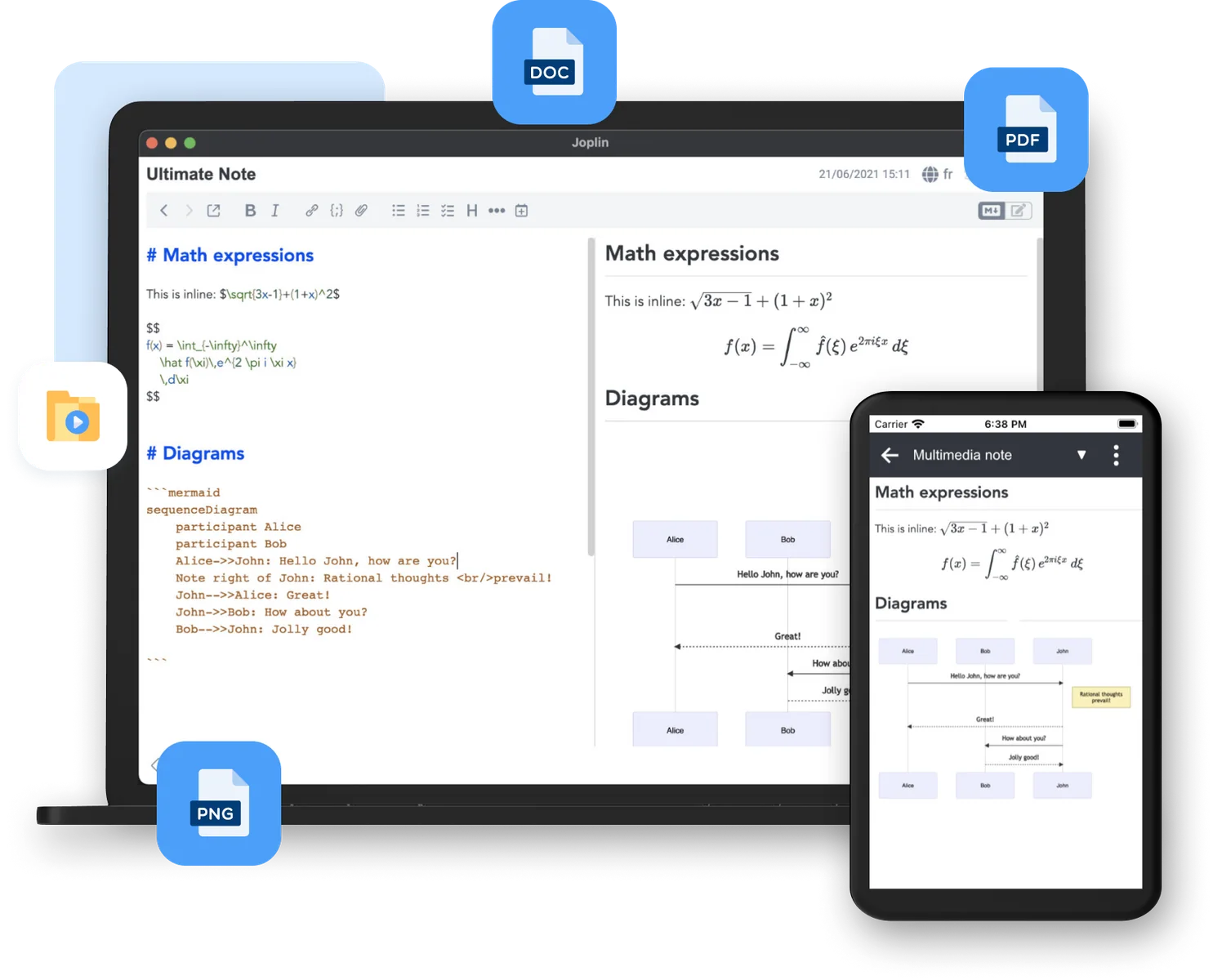
A cross-platform Markdown note-and-to-do app with notebooks, tags, search, attachments, web clipping, and optional encrypted sync.
- 01Markdown and rich-text notes plus to-dos
- 02Notebooks, tags, search, and attachments
- 03Web Clipper for pages and screenshots
- 04Optional synchronization with end-to-end encryption
- It is a full notes workspace rather than a discreet edge-of-screen sidebar.
- Joplin Cloud is optional and paid; the core app and local/third-party sync options do not require payment.
Evidence sources (18)
- Joplin GitHub repositorySource available ·
- Joplin LICENSELicense ·
- Joplin releasesRelease ·
- Joplin installation documentationDocumented macOS path ·
- Joplin downloadsFree at review time ·
- Joplin official homepageWebsite ↗ ·
- Joplin product screenshotScreenshots ·
- Joplin product screenshotScreenshots ·
- GitHub REST repository APISource available ·
- Latest GitHub releaseRelease ·
- Latest macOS release assetFree at review time ·
- Joplin dev branch commit historySource available ·
- Joplin LICENSELicense ·
- Joplin 3.6.15 macOS downloadFree at review time ·
- Joplin plans and pricingFree at review time ·
- Joplin project iconScreenshots ·
- Joplin collaboration product imageScreenshots ·
- Joplin web clipper product imageScreenshots ·
QOwnNotes
Local-first Markdown notes in plain-text files
Metadata checked Aug 18, 2026
Closest local-first fit for SideNotes: lightweight native macOS app, plain-text Markdown storage, quick search, tasks, and current universal releases.
Full review — capabilities, 2 caveats, evidence
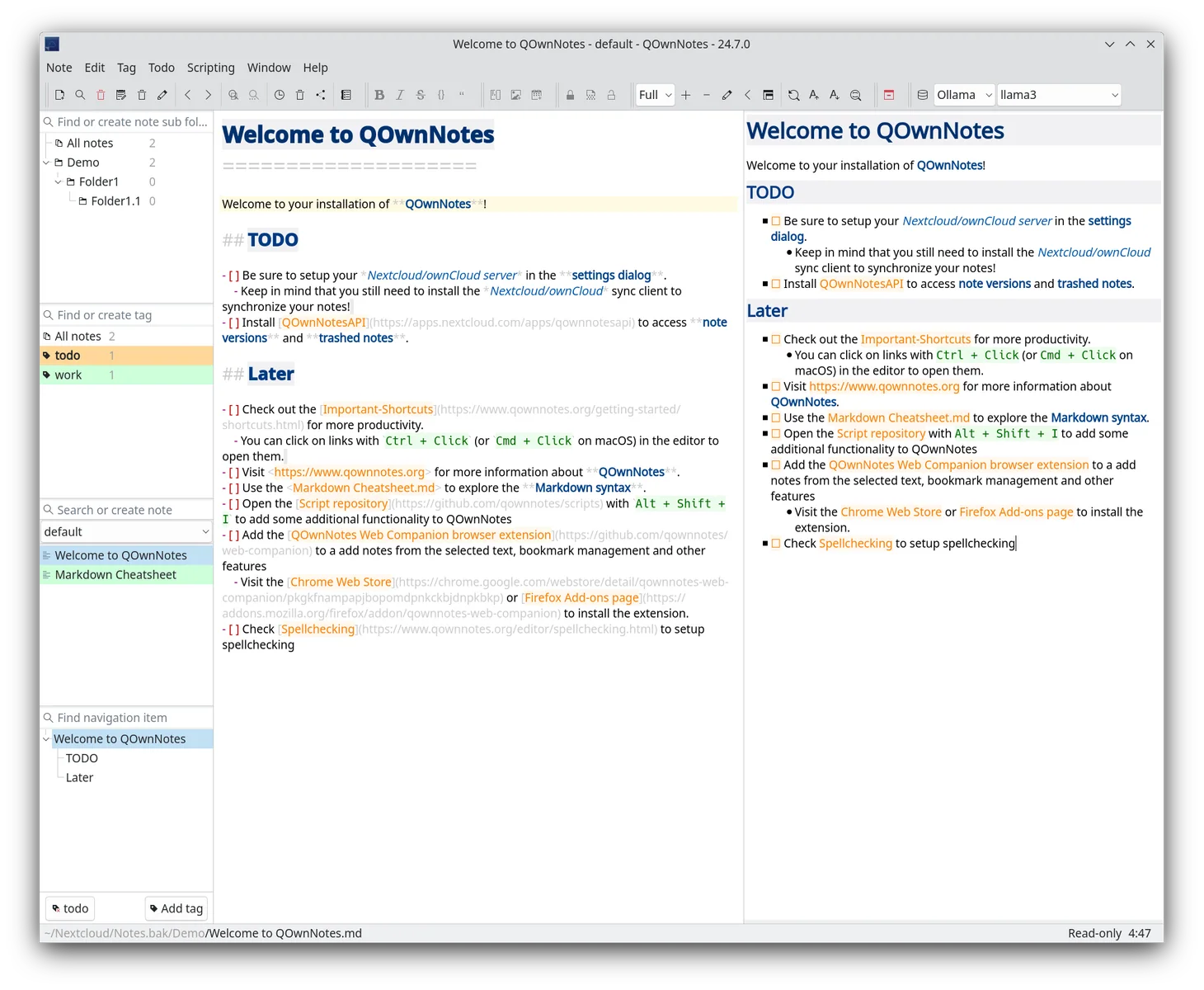
A native, local-first Markdown notepad that stores notes as plain-text files and adds tags, search, tasks, scripting, and optional Nextcloud or ownCloud sync.
- 01Plain-text Markdown files
- 02Tags, subfolders, links, and search
- 03Todo lists, scripting, and browser companion
- 04Optional Nextcloud or ownCloud synchronization
- Its traditional dockable interface is less immediate than SideNotes' slide-out overlay.
- Cloud integrations require your own Nextcloud, ownCloud, or another file-sync service.
Evidence sources (11)
- QOwnNotes GitHub repositorySource available ·
- QOwnNotes LICENSELicense ·
- Latest QOwnNotes releaseRelease ·
- QOwnNotes macOS installationDocumented macOS path ·
- QOwnNotes official downloadsFree at review time ·
- QOwnNotes official homepageWebsite ↗ ·
- QOwnNotes product screenshotScreenshots ·
- GitHub REST repository APISource available ·
- GitHub license metadataLicense ·
- Latest GitHub releaseRelease ·
- Latest macOS release assetFree at review time ·
Standard Notes
Private, encrypted notes with open-source native clients
Metadata checked Aug 18, 2026
Best privacy-oriented option: open-source clients, native macOS downloads, encrypted sync, and active desktop releases.
Full review — capabilities, 2 caveats, evidence
A privacy-focused notes app with end-to-end encrypted sync, plain-text notes, tags, export, and native desktop clients for Intel and Apple Silicon Macs.
- 01End-to-end encrypted notes and sync
- 02Plain-text notes, tags, and offline access
- 03Native macOS Intel and Apple Silicon clients
- 04Full export and password protection
- The free Standard plan focuses on plain-text notes, tags, encryption, sync, offline access, and export; richer editors, folders, and web clipping are paid features.
- It is a conventional notes workspace rather than a hidden sidebar utility.


Evidence sources (12)
- Standard Notes app GitHub repositorySource available ·
- Standard Notes LICENSELicense ·
- Standard Notes releasesRelease ·
- Standard Notes macOS downloadsDocumented macOS path ·
- Standard Notes official homepageWebsite ↗ ·
- Standard Notes plansFree at review time ·
- Standard Notes product screenshotScreenshots ·
- Standard Notes product screenshotScreenshots ·
- GitHub REST repository APISource available ·
- GitHub license metadataLicense ·
- Latest GitHub releaseRelease ·
- Latest macOS release assetFree at review time ·
Specifications, side by side
| Attribute | 1 · Joplin | 2 · QOwnNotes | 3 · Standard Notes |
|---|---|---|---|
| License | AGPL-3.0-or-later | GPL-2.0-only | AGPL-3.0-only |
| Platforms | macOS, Windows, Linux | macOS, Windows, Linux | macOS, Windows, Linux |
| Status | Checked | Checked | Checked |
| Version | v3.6.15 | v26.8.6 | v@standardnotes/desktop@3.201.21 |
| Stars | 56.0k | 5.8k | 6.6k |
| Last push | |||
| Caveats | 2 | 2 | 2 |
About SideNotes
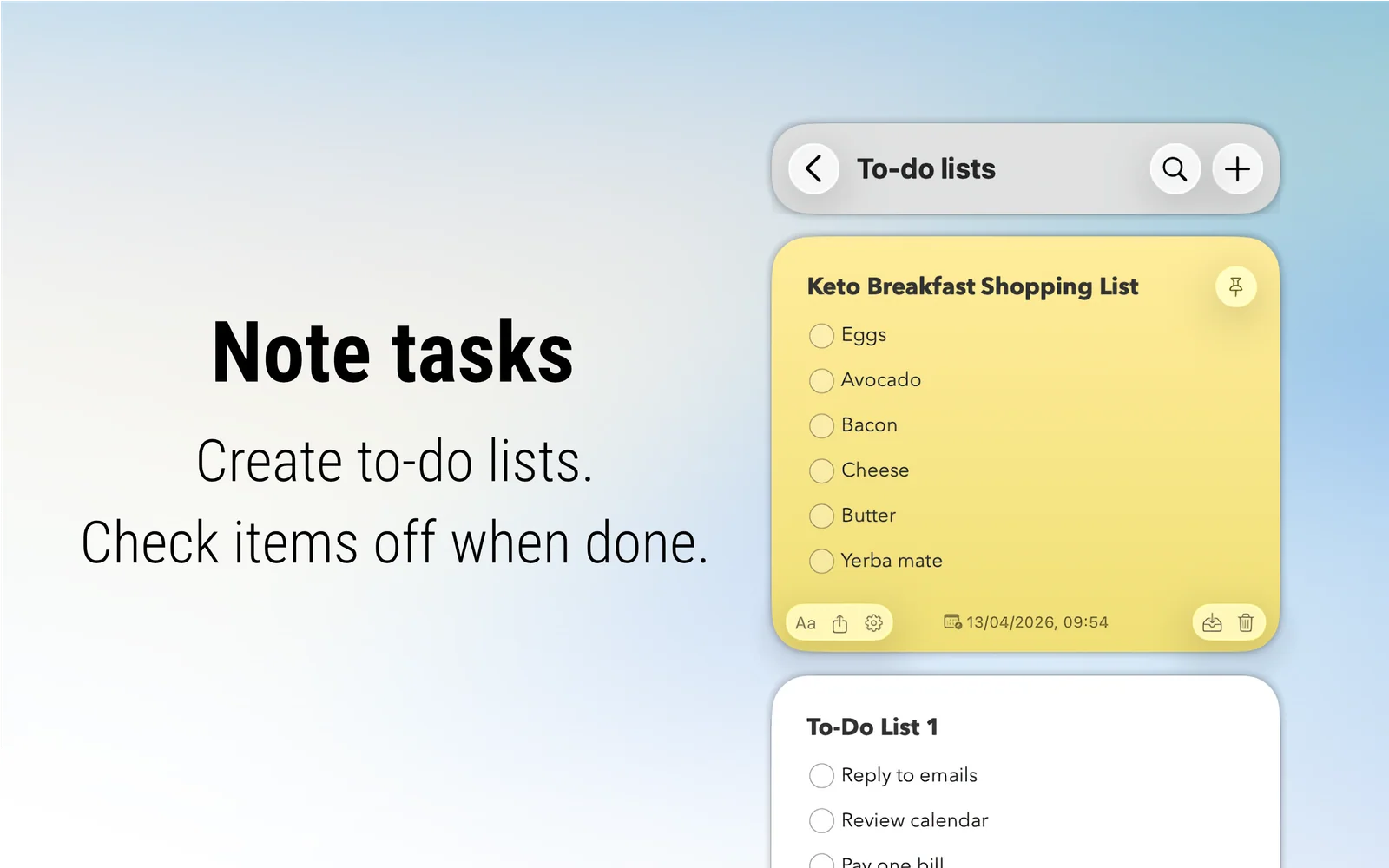
SideNotes — Sidebar notes app for Mac. Store text, code, and images on the edge of your screen.
Setapp listing: Notes on the side of your screen