
The research shortlist
Page updated

PestyTop pick
A native, open-source clipboard strip with pinboards and file-aware history.
Metadata checked Aug 18, 2026
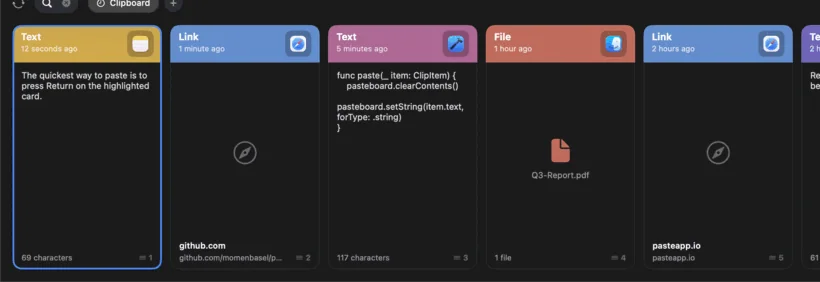
Best functional match: native Mac presentation, file-aware clipboard history, pinboards, and a shelf-like strip, with active releases and signed notarized downloads.
A polished SwiftUI clipboard strip that remembers text, images, links, files, rich text, and colors, with searchable pinboards and keyboard-first pasting. Its layout and file support make it the closest free open-source match to Yoink’s recall-and-stage workflow.
- 01Clipboard history for text, images, links, files, rich text, and colors
- 02Slide-up strip with search, keyboard navigation, and quick paste
- 03Pinboards for retaining reusable clips
- 04Universal native macOS app distributed through Homebrew or a signed DMG
- It is primarily a clipboard history tool, not a full Yoink-style drag-to-shelf utility; drag-out of cards is listed as a future contribution area.
- Requires macOS 14 or later.
- The Mac App Store build has an optional one-time fee; the Homebrew and direct-download builds are free.
Evidence sources (10)
- Pesty official GitHub repositorySource available ·
- Pesty MIT license fileLicense ·
- Pesty latest release 1.2.0Release ·
- Pesty official homepageWebsite ↗ ·
- Pesty official product iconScreenshots ·
- Pesty official product demoScreenshots ·
- GitHub REST repository APISource available ·
- GitHub license metadataLicense ·
- Latest GitHub releaseRelease ·
- Latest macOS release assetFree at review time ·

CopyQ
A mature, feature-rich clipboard manager with tabs, drag-and-drop, and scripting.
Metadata checked Aug 18, 2026
Best maintenance and community-trust option: extensive history organization, drag-and-drop, scripting, and a long release history, with a broader but less Mac-specific interface.
Full review — capabilities, 3 caveats, evidence
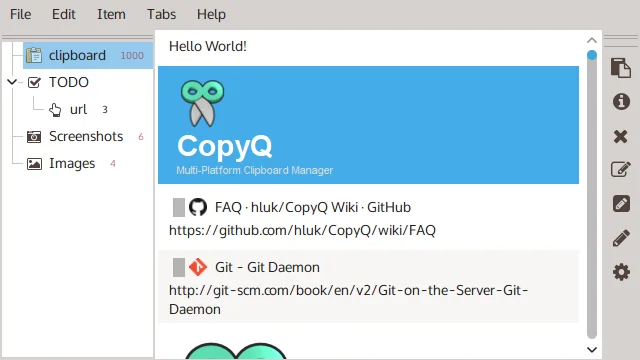
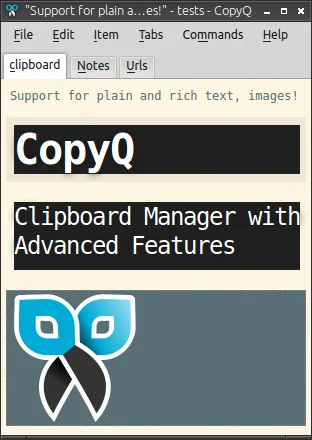
A long-running cross-platform clipboard manager with rich-format history, tabs, editing, tags, drag-and-drop organization, global shortcuts, and scripting. It is the strongest choice when maintenance depth and workflow power outweigh native Mac minimalism.
- 01Stores text, HTML, images, and custom clipboard formats
- 02Tabbed history with filtering, editing, tags, and drag-and-drop
- 03Global shortcuts plus command-line and scripting support
- 04macOS 13+ installation through Homebrew
- Uses a Qt cross-platform interface rather than a dedicated native Mac shelf.
- Its organizing model is clipboard tabs, not a persistent floating file shelf.
- Requires macOS 13 or later in the current repository documentation.
Evidence sources (13)
- CopyQ official GitHub repositorySource available ·
- CopyQ GPL-3.0 license fileLicense ·
- CopyQ latest release 16.0.0Release ·
- CopyQ official homepageWebsite ↗ ·
- CopyQ official macOS installation documentationDocumented macOS path ·
- CopyQ official product logoScreenshots ·
- CopyQ official product screenshotScreenshots ·
- CopyQ official items screenshotScreenshots ·
- CopyQ official editor screenshotScreenshots ·
- GitHub REST repository APISource available ·
- GitHub license metadataLicense ·
- Latest GitHub releaseRelease ·
- Latest macOS release assetFree at review time ·

Maccy
A lightweight, native clipboard history for macOS.
Metadata checked Aug 18, 2026
Best minimalist native-Mac option: highly trusted, actively released, privacy-conscious, and exceptionally easy to use for clipboard history.
Full review — capabilities, 3 caveats, evidence
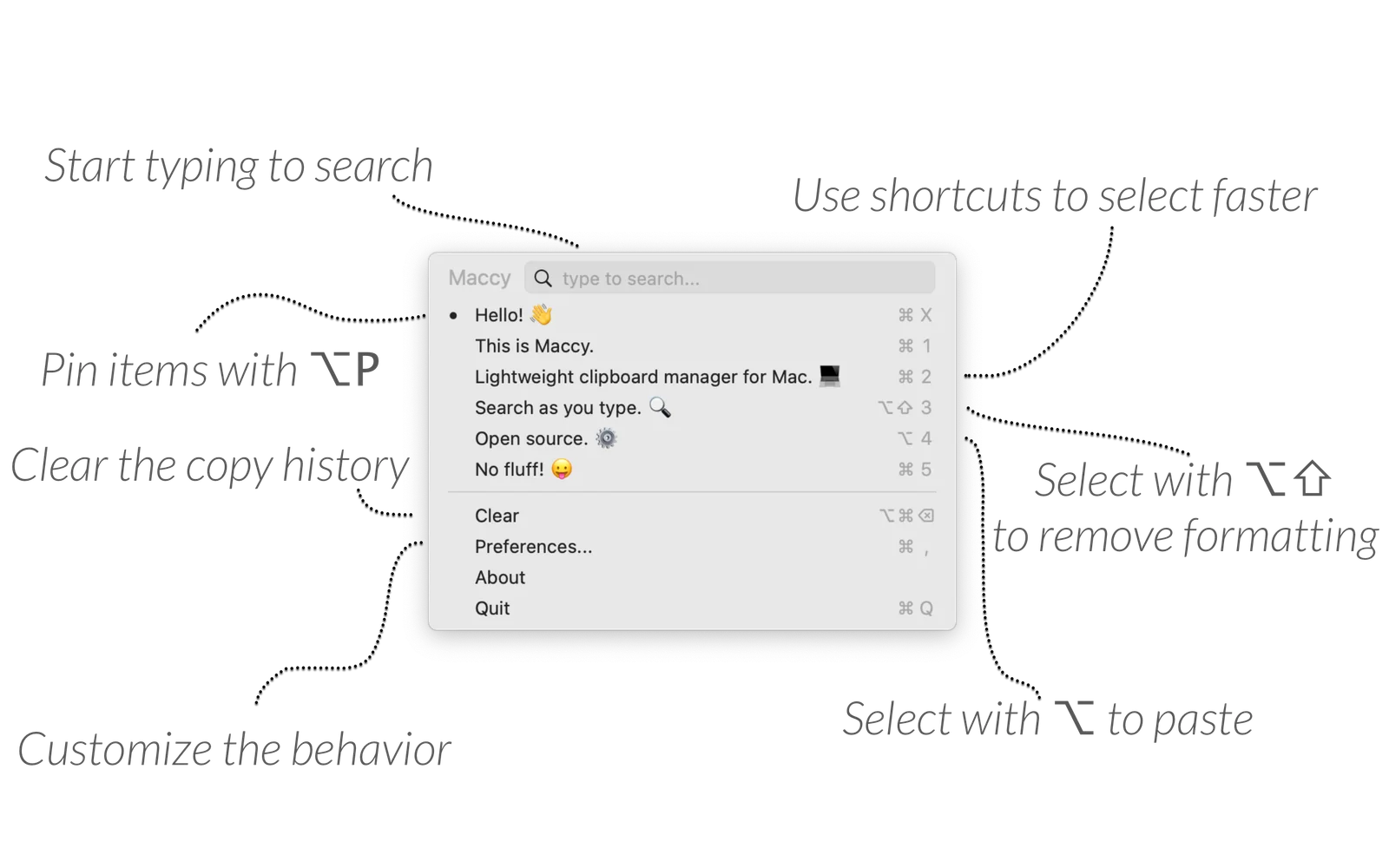
A focused Swift clipboard manager with a fast searchable menu-bar interface, pinning, privacy filters, and direct paste. It is an excellent free replacement for Yoink’s clipboard-recall function, but intentionally does not reproduce the drag-shelf workflow.
- 01Fast keyboard-first searchable clipboard history
- 02Native macOS menu-bar interface
- 03Pinned items and configurable global shortcuts
- 04MIT-licensed free distribution through GitHub releases and Homebrew
- No dedicated drag-and-drop shelf or file-staging workflow.
- Requires macOS Sonoma 14 or later.
- Automatic paste requires macOS Accessibility permission.
Evidence sources (13)
- Maccy official GitHub repositorySource available ·
- Maccy MIT license fileLicense ·
- Maccy latest release 2.7.1Release ·
- Maccy official homepageWebsite ↗ ·
- Maccy official product logoScreenshots ·
- Maccy official product screenshotScreenshots ·
- GitHub REST repository APISource available ·
- GitHub license metadataLicense ·
- Latest GitHub releaseRelease ·
- Latest macOS release assetFree at review time ·
- Maccy recent commit historySource available ·
- Maccy LICENSE fileLicense ·
- Maccy current release appcastRelease ·
Specifications, side by side
About Yoink
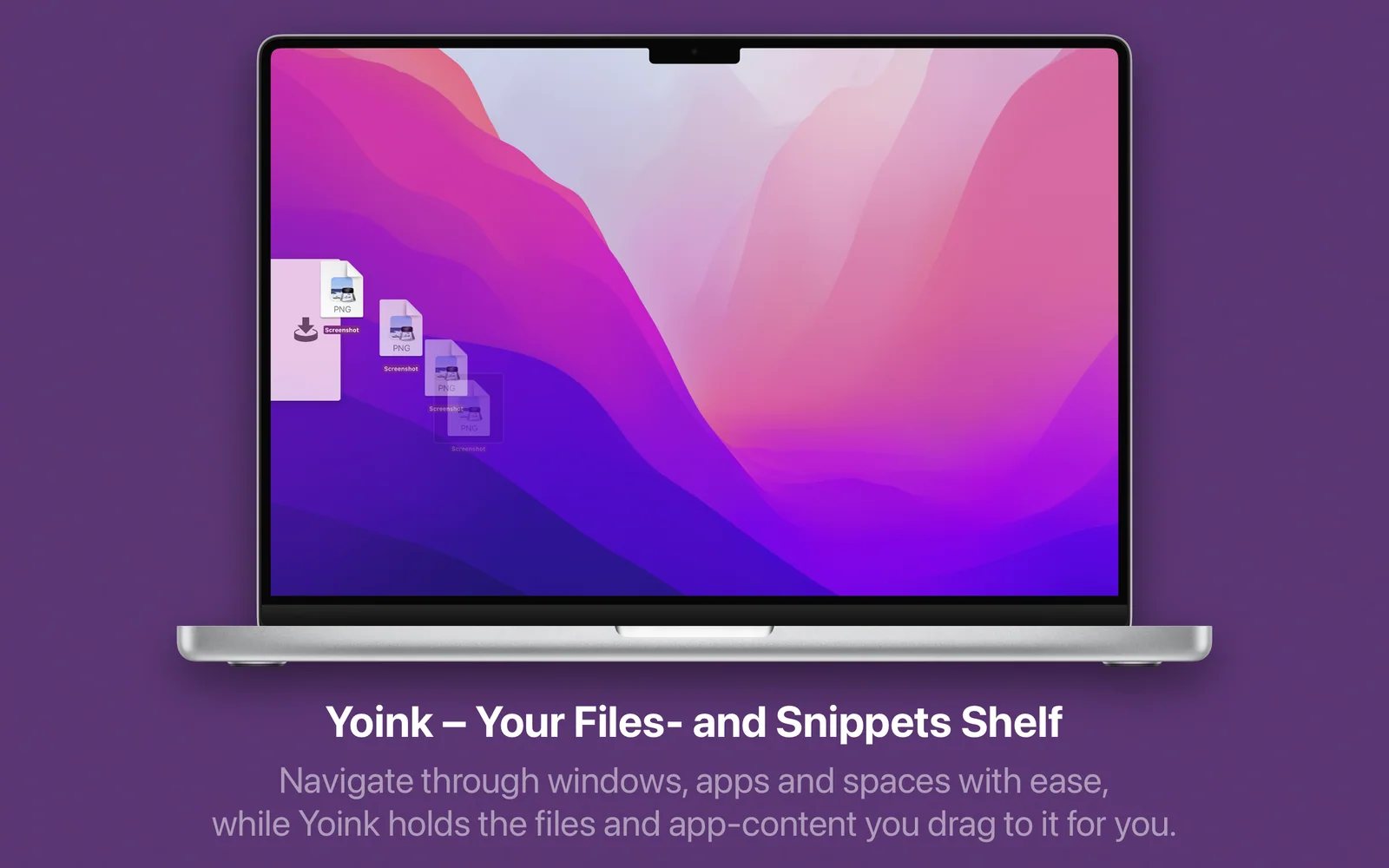
Yoink — Drag-and-drop utility for Mac to move files, snippets, and images faster.
Setapp listing: Improve drag and drop