

The research shortlist
Page updated

RectangleTop pick
Mature free snap zones and keyboard window control
Metadata checked Aug 18, 2026
Best overall replacement for Mosaic's everyday snapping and resizing: highly mature, actively released, easy to install, and familiar to non-tiling-window-manager users.
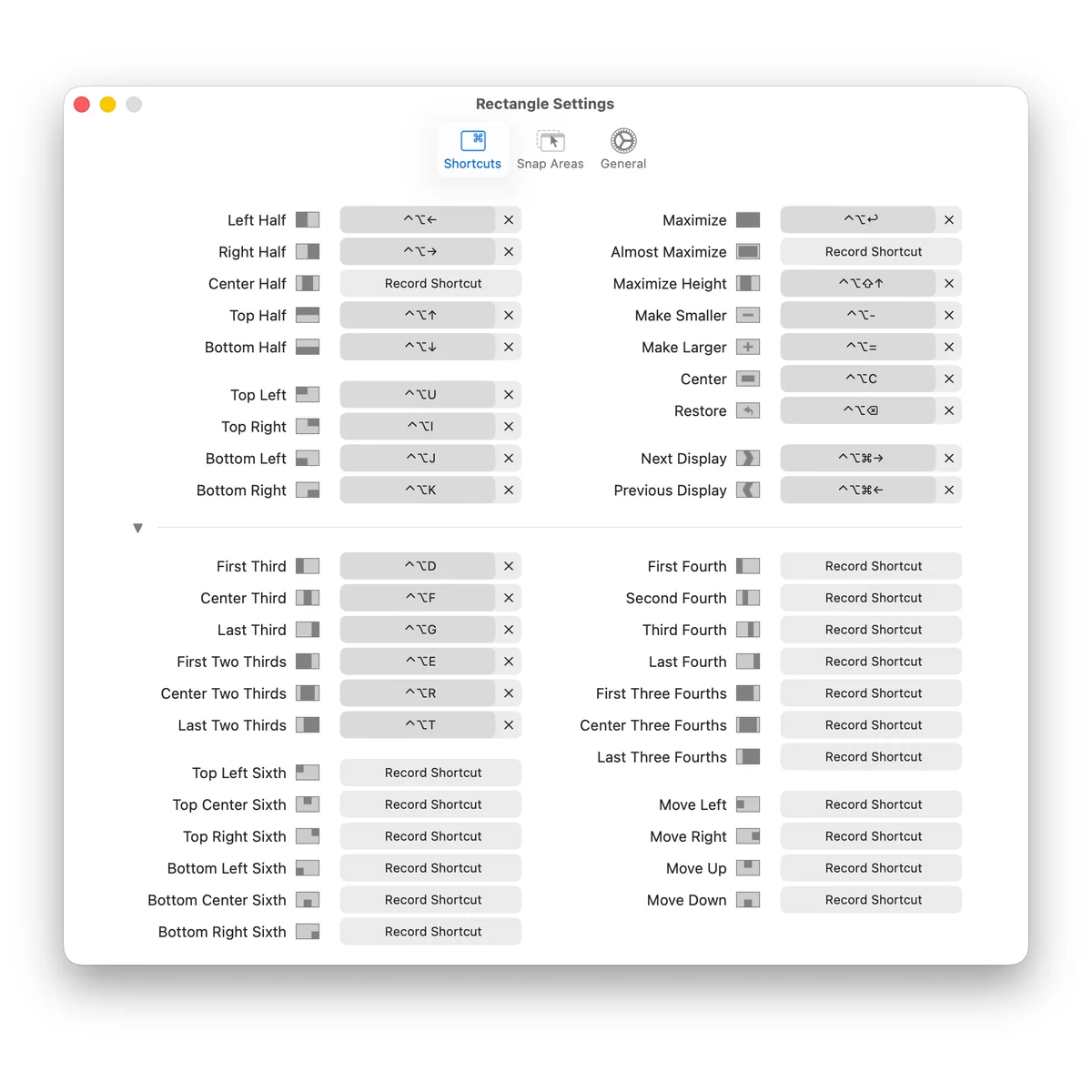
A native macOS utility for moving and resizing windows with keyboard actions and edge or corner snap zones, including thirds, quarters, and multi-display movement.
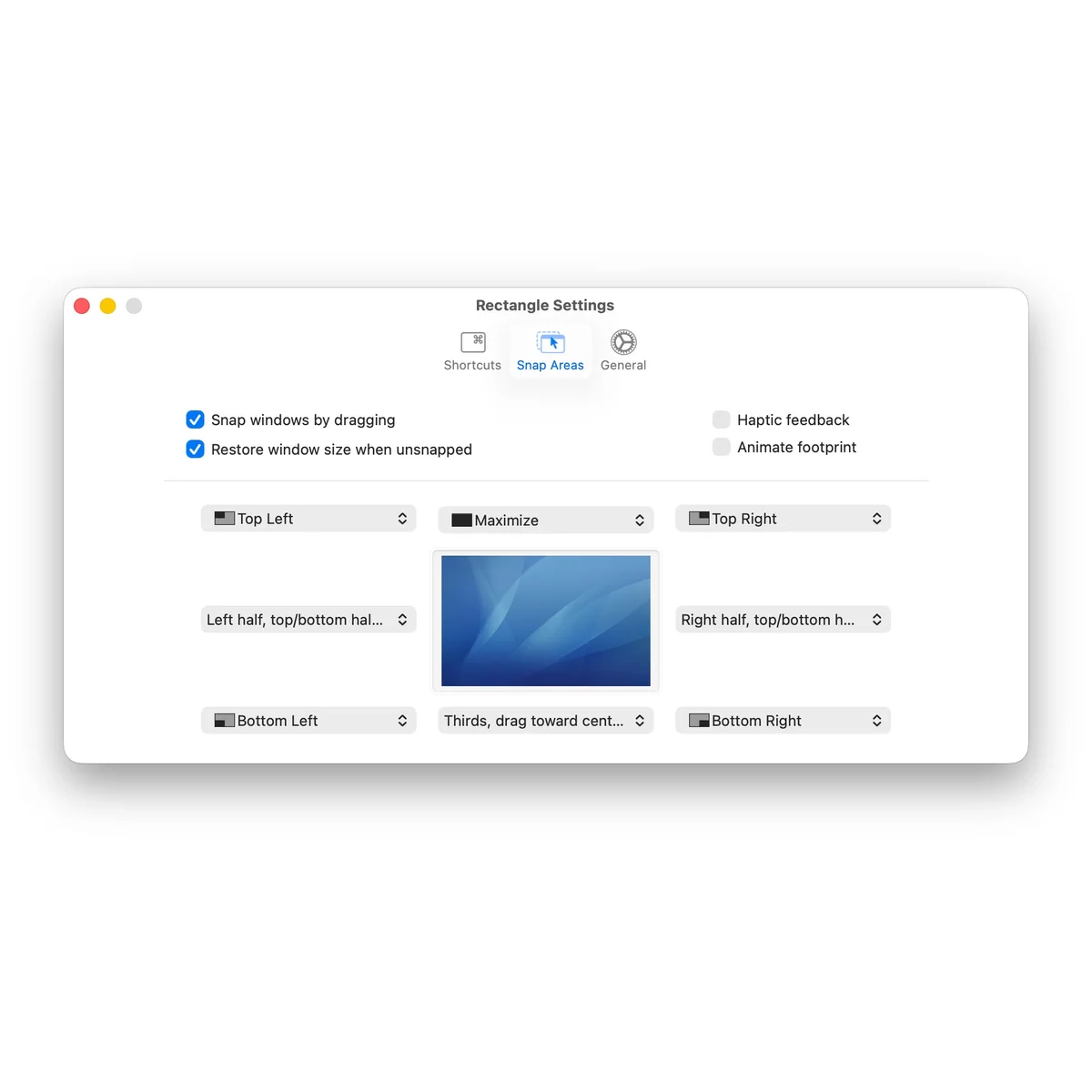
- 01Drag windows to edges and corners for half, quarter, third, and grid placements.
- 02Large shortcut set with repeated actions, display movement, and configurable layouts.
- 03Supports portrait displays, Intel Macs, and Apple Silicon.
- 04Available as a direct DMG or Homebrew cask.
- Rectangle Pro is a separate paid product; this recommendation is for the free open-source Rectangle core.
- The free app does not provide native move-between-Spaces actions.
Evidence sources (13)
- Rectangle — official GitHub repositorySource available ·
- Rectangle MIT licenseLicense ·
- Rectangle releasesRelease ·
- Rectangle official homepageWebsite ↗ ·
- Rectangle project iconScreenshots ·
- Rectangle shortcut screenshotScreenshots ·
- Rectangle snap-area screenshotScreenshots ·
- GitHub REST repository APISource available ·
- Latest GitHub releaseRelease ·
- Latest macOS release assetFree at review time ·
- Rectangle main branch updateSource available ·
- Latest stable Rectangle releaseRelease ·
- Rectangle v0.98 tag dateRelease ·
Loop
Interactive window layouts with radial control and custom frames
Metadata checked Aug 18, 2026
Closest feature-level match to Mosaic's interactive layout workflow: strong mouse usability, custom frames, previews, and multi-display actions, with active development and a clear macOS install path.
Full review — capabilities, 2 caveats, evidence
A native window manager built around a radial menu, live previews, custom positions, keyboard actions, cycles, and multi-screen controls.
- 01Radial mouse or trackpad menu with live resize preview.
- 02Custom frames, percentage-based positions, keyboard shortcuts, and action cycles.
- 03Moves windows across multiple displays and can stash them at screen edges.
- 04Supports URL-scheme and AppleScript automation.
- Requires macOS 13 or later and Accessibility permission.
- Its trigger-key radial workflow differs from Mosaic's option-drag and saved-layout approach.

Evidence sources (16)
- Loop — official GitHub repositorySource available ·
- Loop GNU GPLv3 licenseLicense ·
- Loop releasesRelease ·
- Loop official documentation and homepageWebsite ↗ ·
- Loop project logoScreenshots ·
- Loop product graphicScreenshots ·
- Loop product demoScreenshots ·
- GitHub repository metadataSource available ·
- GitHub REST repository APISource available ·
- GitHub license metadataLicense ·
- Latest GitHub releaseRelease ·
- Latest stable release 1.4.2Release ·
- Stable tag date and newer prerelease distinctionRelease ·
- Latest stable Loop macOS ZIP downloadFree at review time ·
- Latest develop commit dated July 15, 2026Source available ·
- Project-owned Classic.png product screenshotScreenshots ·
Amethyst
Keyboard-first automatic tiling layouts for macOS
Metadata checked Aug 18, 2026
The strongest mature automatic-tiling alternative: reliable layout variety, multi-screen keyboard controls, a permissive license, and a long-running community, although its interaction model differs substantially from Mosaic.
Full review — capabilities, 2 caveats, evidence
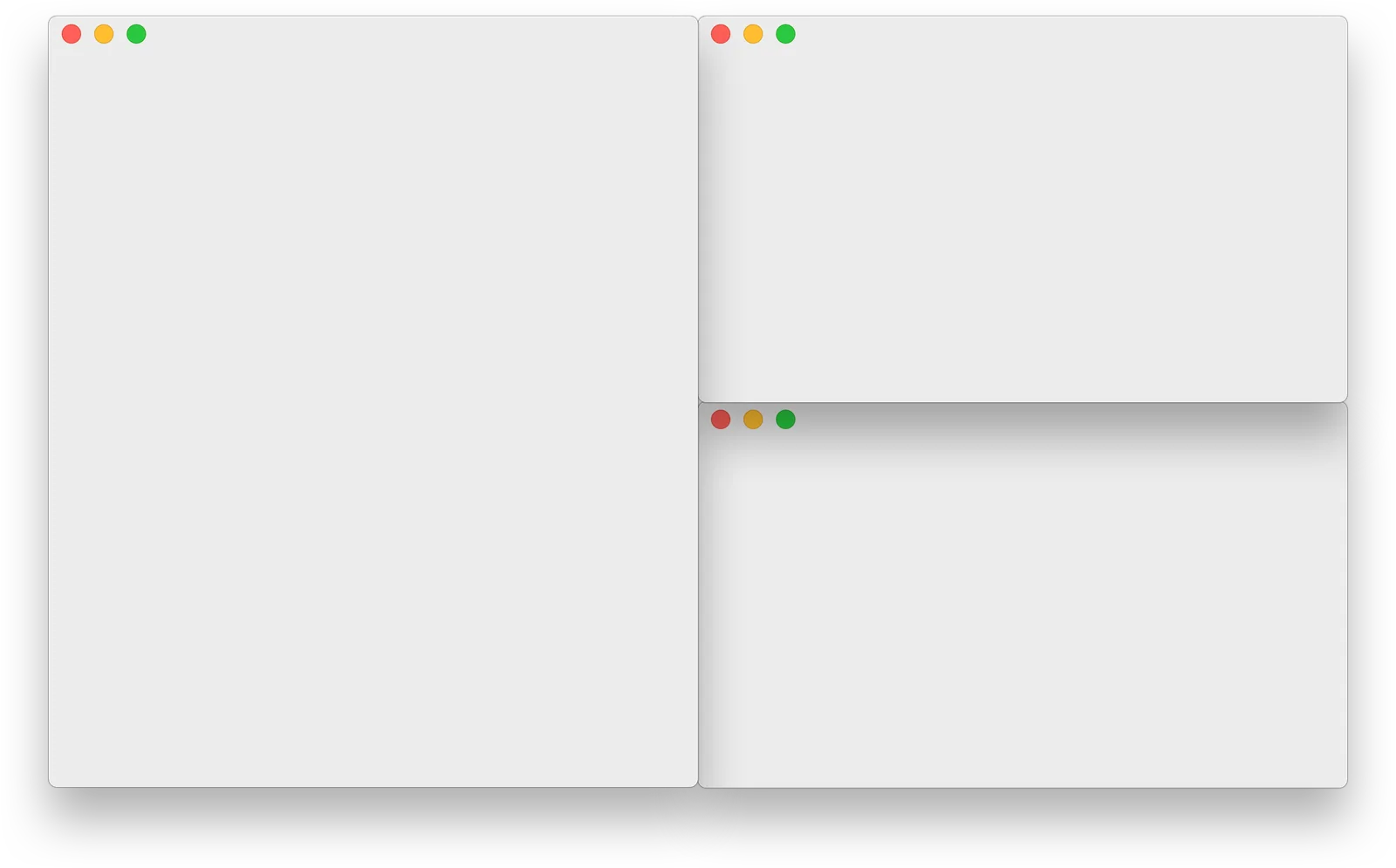
A mature tiling manager that automatically arranges windows into selectable tall, wide, column, row, BSP, three-column, and fullscreen layouts.
- 01Numerous built-in layouts, including tall, wide, three-column, BSP, floating, and fullscreen.
- 02Keyboard controls for focus, swapping, resizing, layout selection, and screen movement.
- 03YAML configuration and beta JavaScript custom layouts.
- 04Direct release and Homebrew installation for macOS 10.15 and later.
- Automatically rearranges windows instead of providing Mosaic-style drag placement.
- Requires Accessibility permission and is primarily keyboard/configuration driven.
Evidence sources (10)
- Amethyst — official GitHub repositorySource available ·
- Amethyst MIT licenseLicense ·
- Amethyst releasesRelease ·
- Amethyst official homepageWebsite ↗ ·
- Amethyst macOS requirements and installationDocumented macOS path ·
- Amethyst project iconScreenshots ·
- Amethyst product screenshotScreenshots ·
- GitHub REST repository APISource available ·
- GitHub license metadataLicense ·
- Latest GitHub releaseRelease ·
Specifications, side by side
| Attribute | 1 · Rectangle | 2 · Loop | 3 · Amethyst |
|---|---|---|---|
| License | MIT | GPL-3.0-only | MIT |
| Platforms | macOS | macOS | macOS |
| Status | Checked | Checked | Checked |
| Version | v0.98 | v1.4.2 | v0.24.3 |
| Stars | 29.7k | 11.4k | 16.2k |
| Last push | |||
| Caveats | 2 | 2 | 2 |
About Mosaic
Mosaic — Window manager for Mac. Organize and fit all your applications perfectly on one screen.
Setapp listing: Automatically organize windows