The research shortlist
Page updated
ActivityWatchTop pick
Private automatic activity and time tracker
Metadata checked Aug 18, 2026
Closest functional match to Timing: mature passive tracking, strong privacy, current native macOS downloads, and a substantial contributor community.
Tracks active apps, window titles, browser tabs, and away time locally, then presents timelines, categories, and reports through a self-contained dashboard.
- 01Automatic active-app, window-title, and AFK tracking
- 02Browser extensions and extensible watchers
- 03Local timeline dashboard with categories and data export
- The stable download is v0.13.2; v0.14.0b3 is listed as a prerelease.
- Cloud sync is not a built-in feature, and deeper browser or editor coverage uses optional watchers or extensions.

Evidence sources (11)
- ActivityWatch official GitHub repositorySource available ·
- ActivityWatch MPL-2.0 license fileLicense ·
- ActivityWatch official releasesRelease ·
- ActivityWatch official downloads with macOS DMG buildsDocumented macOS path ·
- ActivityWatch official homepage: free, open-source, local, and macOS-capableWebsite ↗ ·
- ActivityWatch official GitHub organization iconScreenshots ·
- ActivityWatch official product imageScreenshots ·
- GitHub REST repository APISource available ·
- GitHub license metadataLicense ·
- Latest GitHub releaseRelease ·
- Latest macOS release assetFree at review time ·

Dayflow
Automatic work journal for macOS
Metadata checked Aug 18, 2026
Best modern native-Mac match: it captures work automatically, is actively releasing, ships as a macOS app, and publishes the complete MIT-licensed source.
Full review — capabilities, 2 caveats, evidence
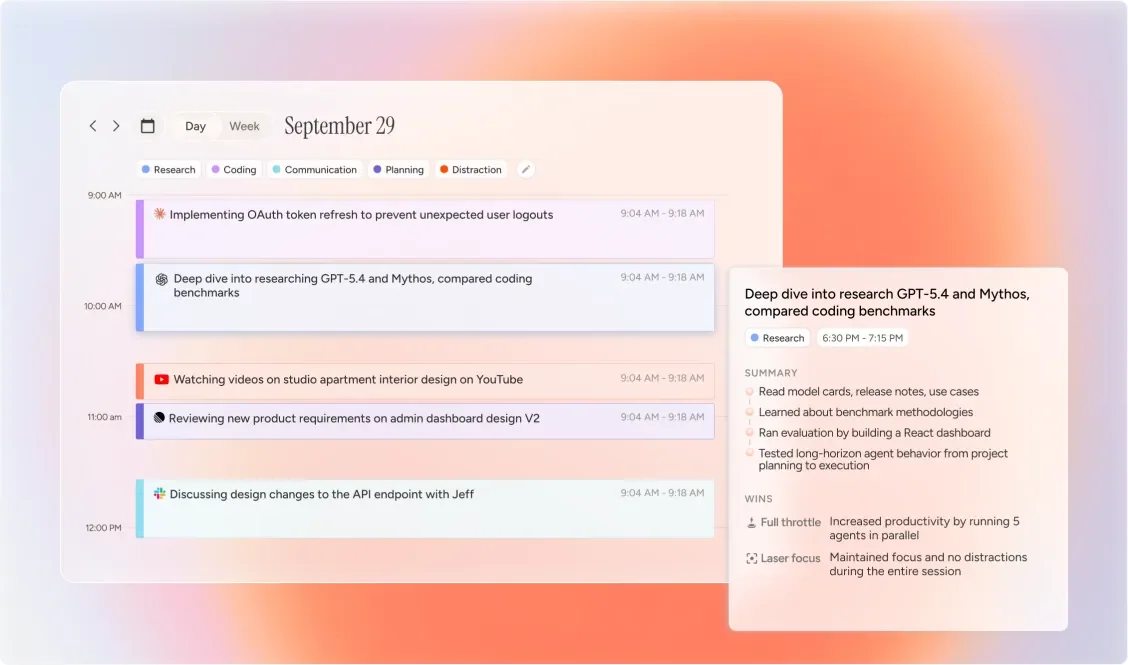
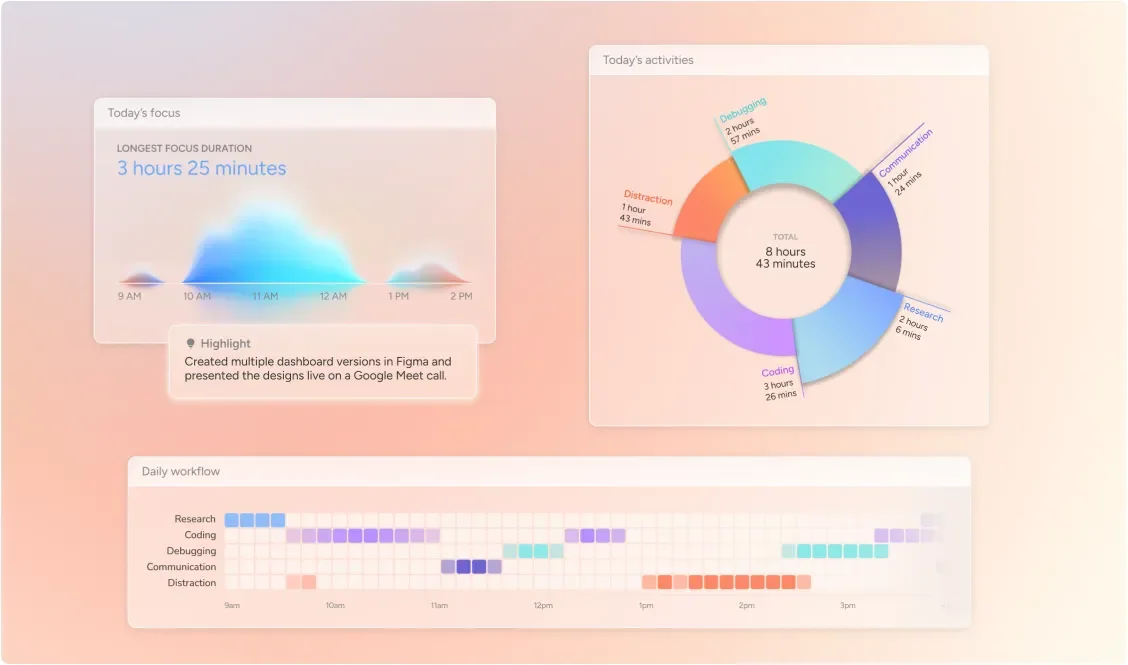
Builds a local timeline from screen activity, with daily and weekly summaries plus optional AI context instead of manual timers or tags.
- 01Automatic screen-activity timeline
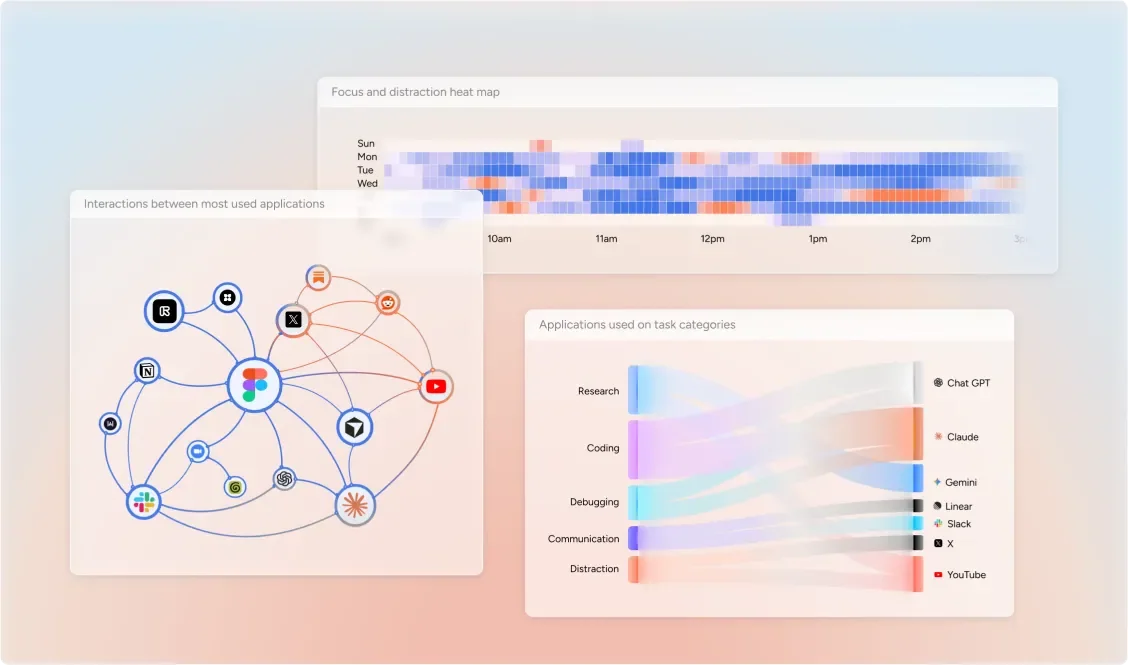
- 02Daily and weekly work summaries
- 03Local storage with optional local-model analysis
- Requires macOS 14 or later and Screen & System Audio Recording permission.
- Local models or Gemini's free tier avoid API charges; ChatGPT or Claude analysis requires their paid subscriptions.
Evidence sources (17)
- Dayflow official GitHub repositorySource available ·
- Dayflow MIT license fileLicense ·
- Dayflow official releases with macOS DMG downloadsRelease ·
- Dayflow official homepage: free, open-source, and native macOSWebsite ↗ ·
- Dayflow official site iconScreenshots ·
- Dayflow official timeline screenshotScreenshots ·
- Dayflow official daily-summary screenshotScreenshots ·
- Dayflow official weekly-summary screenshotScreenshots ·
- GitHub repository metadataSource available ·
- GitHub REST repository APISource available ·
- GitHub license metadataLicense ·
- Latest GitHub releaseRelease ·
- Latest macOS release assetFree at review time ·
- Latest stable release: Dayflow 2.1.0Release ·
- Latest tag v2.1.0 dated August 12, 2026Release ·
- Free plan and pricingFree at review time ·
- Dayflow chat screenshotScreenshots ·
Super Productivity
Open-source task manager with time tracking
Metadata checked Aug 18, 2026
Strongest full work-management substitute: long-running open-source project, broad community and integrations, and a current universal macOS build, though tracking is task-based rather than passive.
Full review — capabilities, 2 caveats, evidence
Combines one-click task timing, timeboxing, focus tools, timesheets, and work reports in a local-first desktop app with integrations.
- 01One-click task time tracking and timeboxing
- 02Timesheets and work-summary exports
- 03Offline local data with calendar and developer integrations
- It tracks time assigned to tasks and focus sessions; it does not passively monitor every app or website like Timing.
- The product is broader than a dedicated automatic tracker, so setup is more involved.
Evidence sources (19)
- Super Productivity official GitHub repositorySource available ·
- Super Productivity MIT license fileLicense ·
- Super Productivity official releasesRelease ·
- Super Productivity official download page with universal macOS buildDocumented macOS path ·
- Super Productivity official homepage: free, offline, and open-sourceWebsite ↗ ·
- Super Productivity official GitHub organization iconScreenshots ·
- Super Productivity official product screenshotScreenshots ·
- GitHub REST repository APISource available ·
- GitHub license metadataLicense ·
- Latest GitHub releaseRelease ·
- Latest macOS release assetFree at review time ·
- Project homepageWebsite ↗ ·
- Official GitHub commit historySource available ·
- Latest official GitHub releaseRelease ·
- Official press kit icon assetScreenshots ·
- Official Super Productivity app iconScreenshots ·
- Official Boards View product screenshotScreenshots ·
- Official Integrations Overview product screenshotScreenshots ·
- Official Schedule Day Planner product screenshotScreenshots ·
Specifications, side by side
| Attribute | 1 · ActivityWatch | 2 · Dayflow | 3 · Super Productivity |
|---|---|---|---|
| License | MPL-2.0 | MIT | MIT |
| Platforms | macOS, Windows, Linux | macOS | macOS, Windows, Linux |
| Status | Checked | Checked | Checked |
| Version | v0.13.2 | v2.1.0 | v18.19.0 |
| Stars | 18.6k | 6.9k | 21.4k |
| Last push | |||
| Caveats | 2 | 2 | 2 |
About Timing
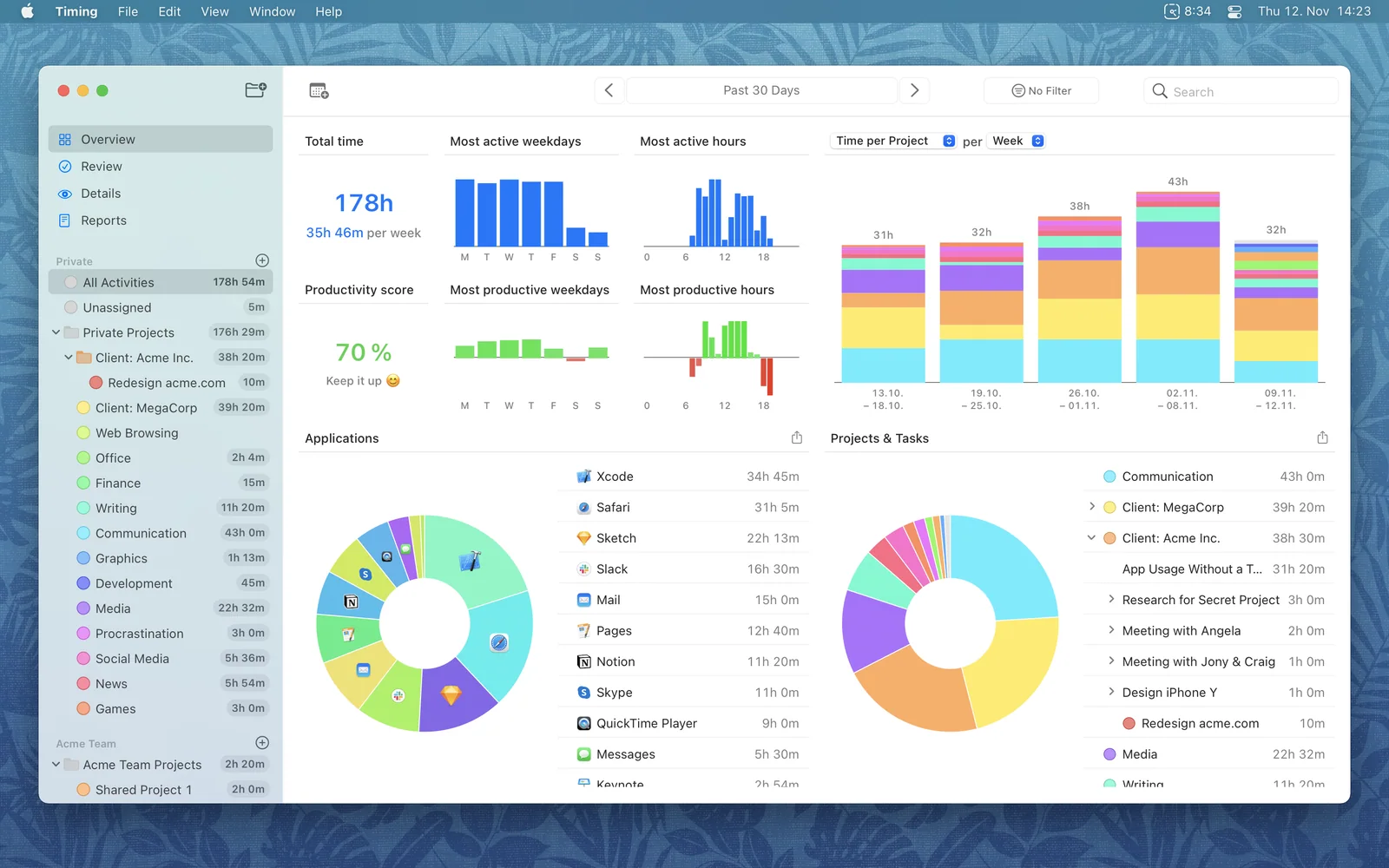
Timing — Automatic time tracking app for Mac with detailed reports and productivity insights.
Setapp listing: Track time you spend in each app